

June 28, 2023 ● 10 min read
Amazon Seller Reports Guide: All Reports Explained With Links








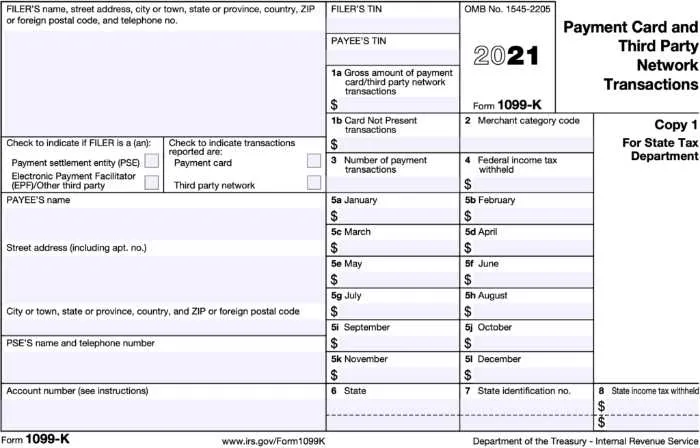
As an amazon seller, it is essential to understand your amazon 1099-K report and how it is calculated. This report will show the number of gross sales collected by amazon and can be used for tax purposes.
You should download the relevant reports from your Amazon Seller Central account to verify that the numbers are correct. This blog post will explain everything you need to know about the 1099K report for amazon sellers!
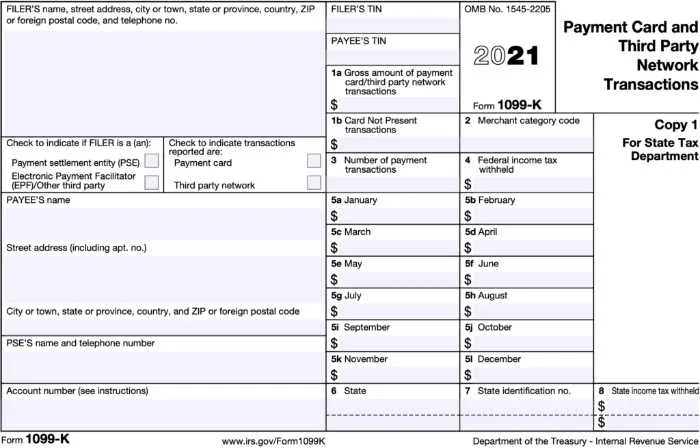
A 1099-K report is a form that amazon or any other e-commerce marketplace uses to report sellers’ gross sales to the Internal Revenue Service. This report is different from a 1099-misc, which amazon also issues.
The 1099-K only reports sales processed through amazon accounts, while the 1099-misc reports other income such as interest and dividends. According to IRS regulations, any third-party payment provider must provide such reporting. Same with amazon payments.
Amazon will send a 1099-K report to any amazon seller who meets certain criteria:
Has a US mailing address on file in their amazon seller account
Form 1099-K is only issued to Amazon Sellers who made over $20,000 in total sales or 200 transactions.
The 1099-K report is issued by amazon yearly. Amazon’s due dates to issue the report is no later than January 31, 2024.
The 1099-K report includes the following information:
Your name and address
Tax information (TIN, EIN)
The amazon marketplace, where the sales took place
The total amount of gross sales processed through amazon, including sales tax
The total number of transactions processed through amazon
If you want to download a detailed report of the 1099-K form, you can do so by going to your amazon seller central account and navigating to the ‘Reports’ tab.
From there, you should select the ‘Tax Document Library’ link. This will take you to a page where you can download form 1099-K.
Both cash and accrual basis. You can use it for your tax report.
How is that possible? You instantly receive money from a customer after invoicing him (no date difference between cash and accrual methods) to your Amazon account.
Just imagine that your amazon account balance is like a bank account, but the money is just on hold for 14 days.
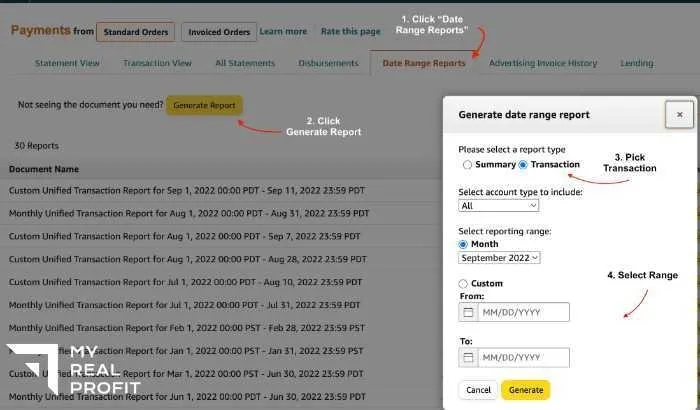
The 1099-K form is built from the Date Range Report. Double-check all the info at your seller central (Reports -> Payments -> Date Range Report).
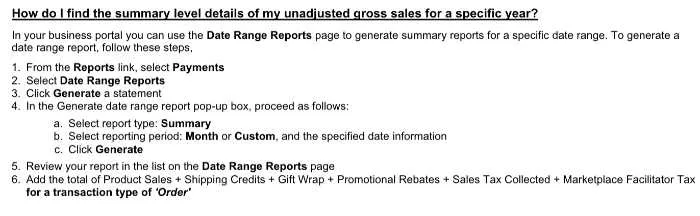
The 1099-k form is calculated using the total unadjusted gross sales for the reporting year. Generally, it is what you get from your client, including collected sales tax.
Calculation:
Product Sales + Shipping Credits + Gift Wrap Credits + Sales Tax - Promotions
Any expenses or costs of goods sold that are happening to your amazon account, such as refunds, fba shipping fees (for amazon fba), commissions (amazon selling fee), storage fees, PPC costs (online advertising), etc.
Also, the form 1099-K form includes sales tax. Keep an eye on having it deducted when filing taxes. In another way, you will overpay taxes as sales taxes increase your profit, but it is not considered income.
If you didn’t receive your 1099-k report from amazon by the due date, you should contact amazon seller support. They will investigate and resend the report to you if necessary.
If you believe the information on your 1099-k form is incorrect, you can contact seller support, and they will investigate the issue.
It is essential to take all the fees Amazon charges you into account when preparing your taxes. 1099-K only reports sales processed through amazon and doesn’t include other income sources such as interest or dividends.
If you have any questions about the 1099-K form or amazon seller taxes in general, please reach out to us; we’d be happy to help!
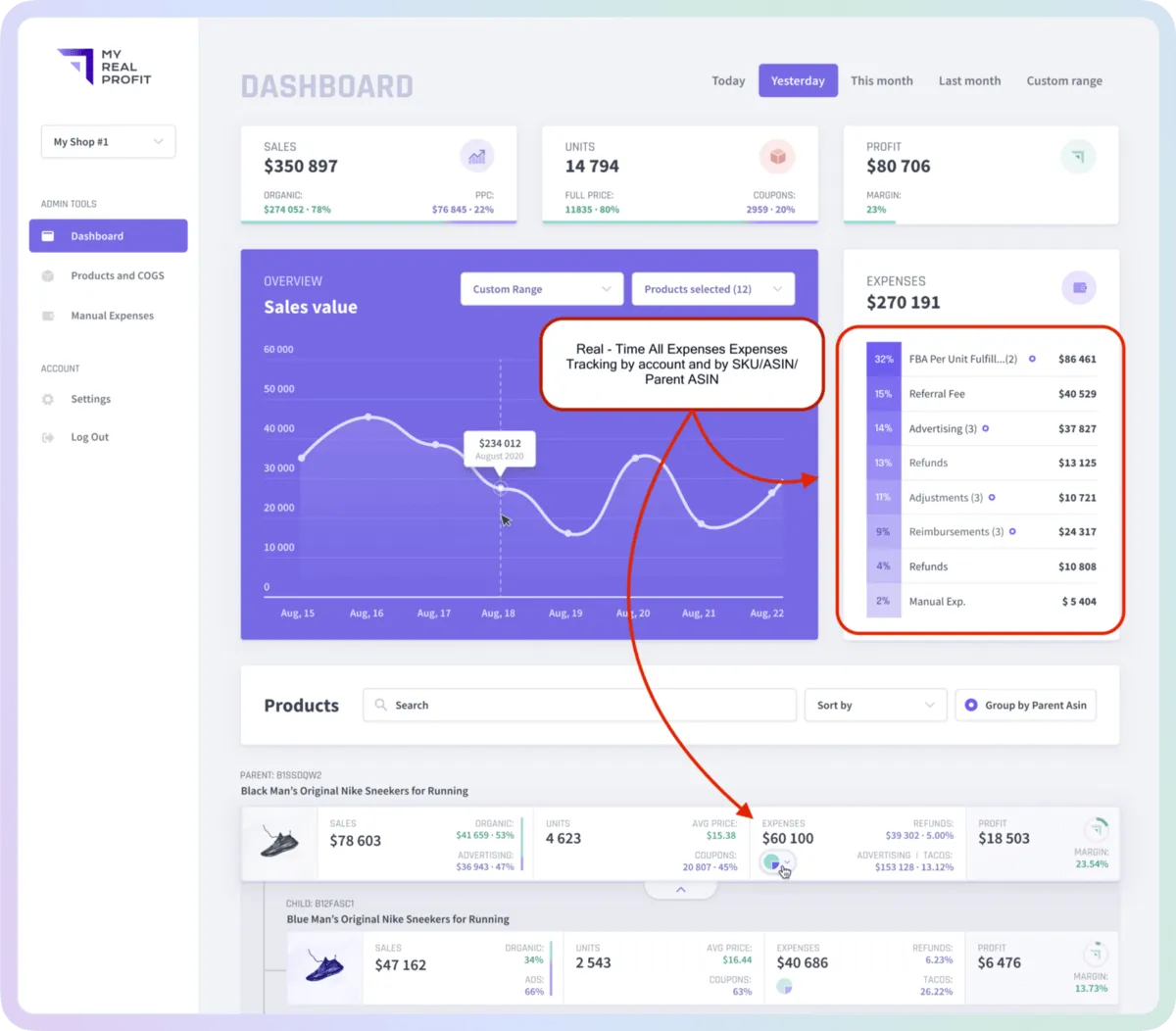
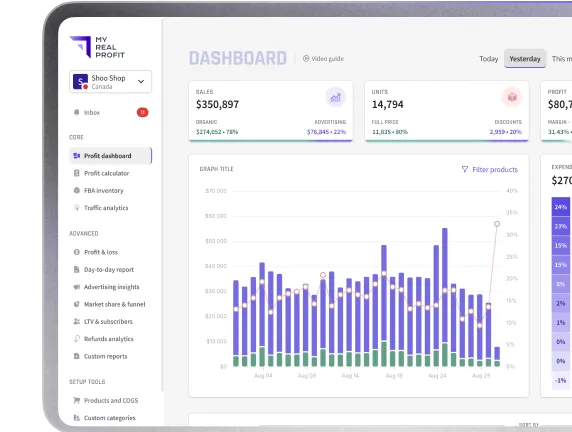
My Real Profit helps you track your Sales and Profits during the year every day. It has fully automated financial analytics that shows you all the needed data to track business performance and turn insights into actions.
Schedule a call for a demo: LINK TO SCHEDULE A DEMO
Sign up for a free trial using the link below: LINK TO START A FREE TRIAL