Free · No login · Your data stays in your browser
Wasted ad spend audit
in 3 seconds
Upload your Amazon Search Query Performance report and instantly find the keywords where you can cut ad budget and keep the sales. Pure profit, hiding in plain sight.
🔒 Analyzed in your browser. Your file never leaves your device.
Don't have your report yet? See the step-by-step guide below ↓
Trusted by 1,000+ top Amazon brands


Upload your SQP report
Export it from Amazon Brand Analytics (Brand View, any time range).
We scan it in your browser
Every keyword checked for ad cannibalization. Nothing is uploaded.
See your audit
Get the keywords to cut for free. Unlock the full list by email.
Stop paying for clicks you'd win for free
Upload your report and your free audit exposes exactly where Amazon is double-charging you:
- The exact keywords where your ads cannibalize your own organic sales
- How much of your top-keyword spend you can cut, starting today
- A ranked hit-list: your biggest budget leaks first
- Analyzed in your browser, so your file never leaves your device
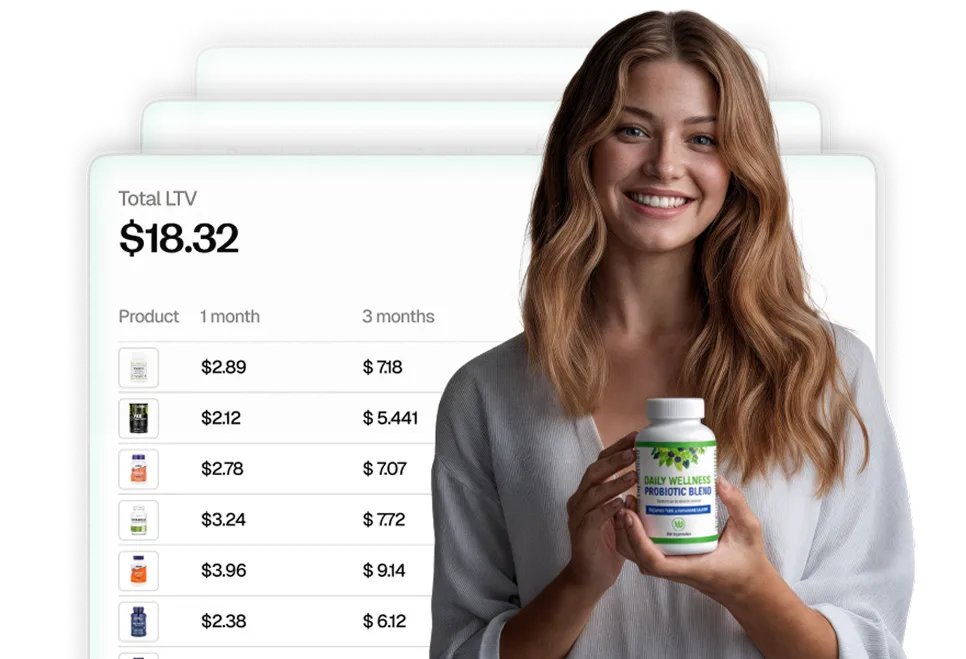
| Keyword | Impr. | Clicks | Cannib. |
|---|---|---|---|
| collagen powder | 6.1% | 17.4% | 2.9× |
| magnesium glycinate | 5.2% | 19.8% | 3.8× |
| organic protein powder | 4.9% | 18.1% | 3.7× |
| vitamin d3 5000 iu | 3.4% | 12.2% | 3.6× |
| ashwagandha gummies | 2.8% | 9.1% | 3.3× |
+ 11 more keywords in your full audit
Trusted by Amazon's best brands
“The holy grail of analytics for CPG brands”
Ivan Tsvilik · CEO at True Sea Moss
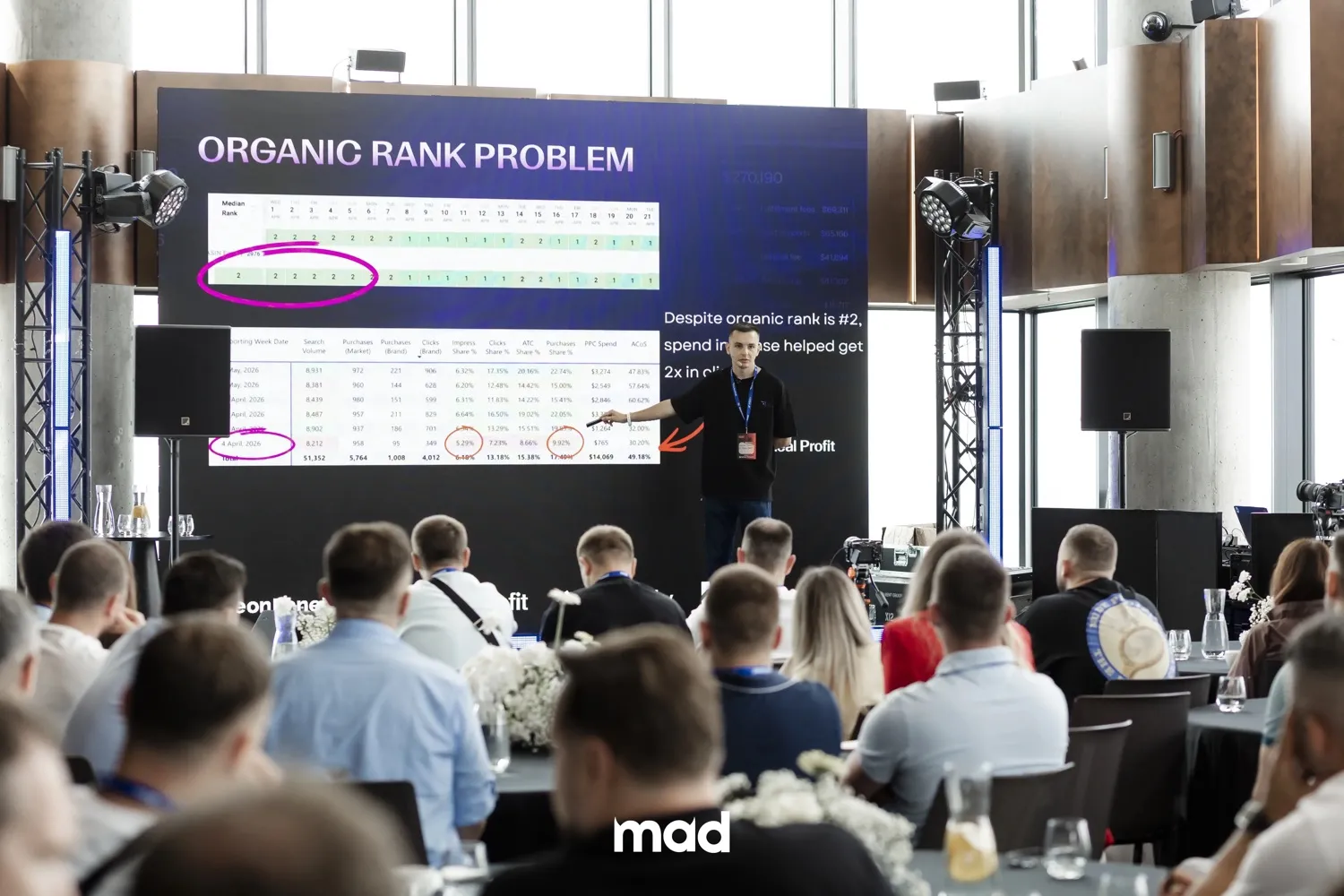
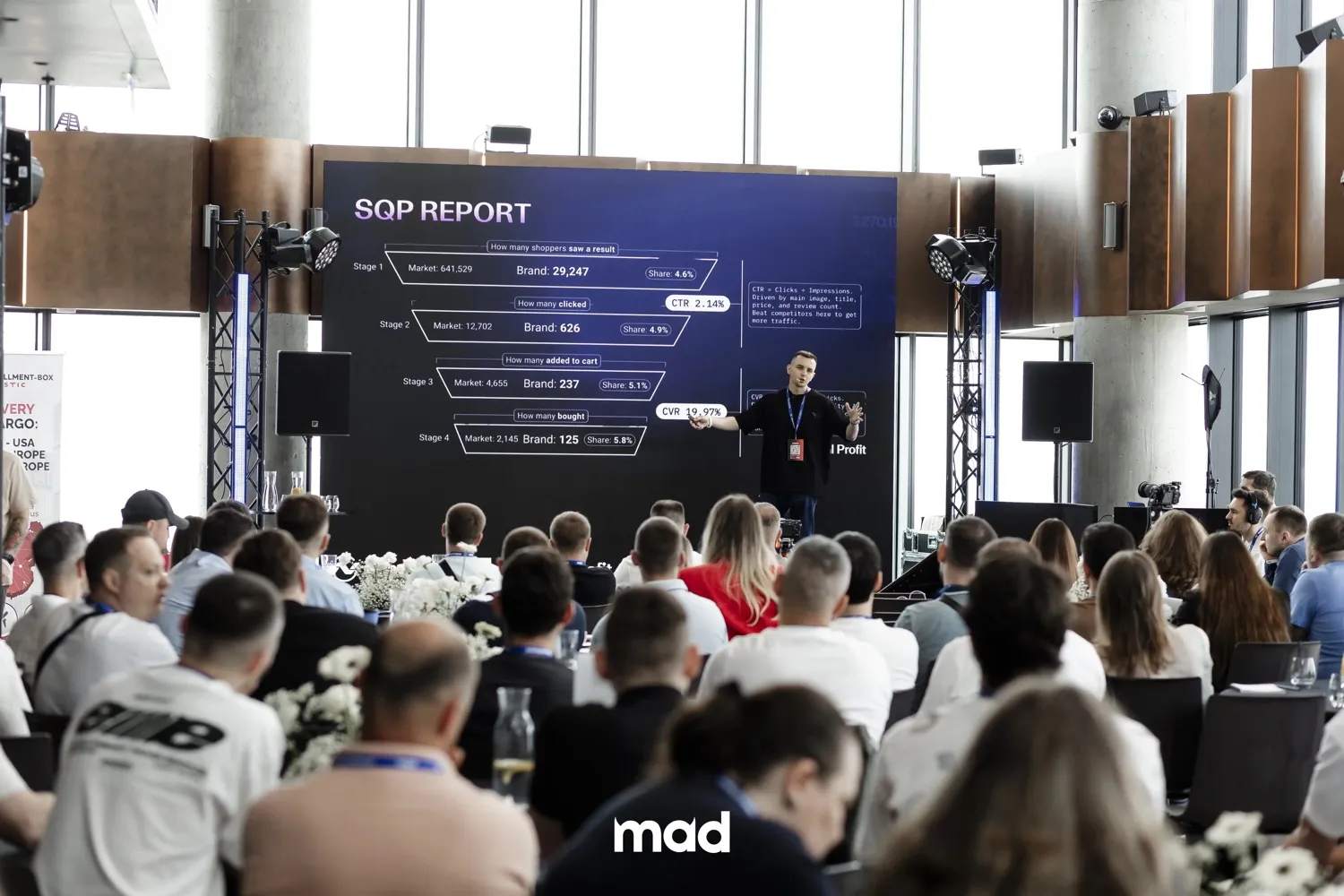
Straight from the stage
The framework we teach on stage, now a free tool
We share this exact SQP cannibalization breakdown at Amazon seller conferences: the “Organic Rank Problem” quietly draining ad budgets. This tool runs the same analysis on your own data in seconds.
How to get your SQP report
It's a free Amazon Brand Analytics report, about 2 minutes of clicks. You'll need Brand Registry access.
- 1
Open Search Query Performance in Amazon Brand Analytics
Go to Brand Analytics → Search Query Performance.
Open in Seller Central ↗ - 2
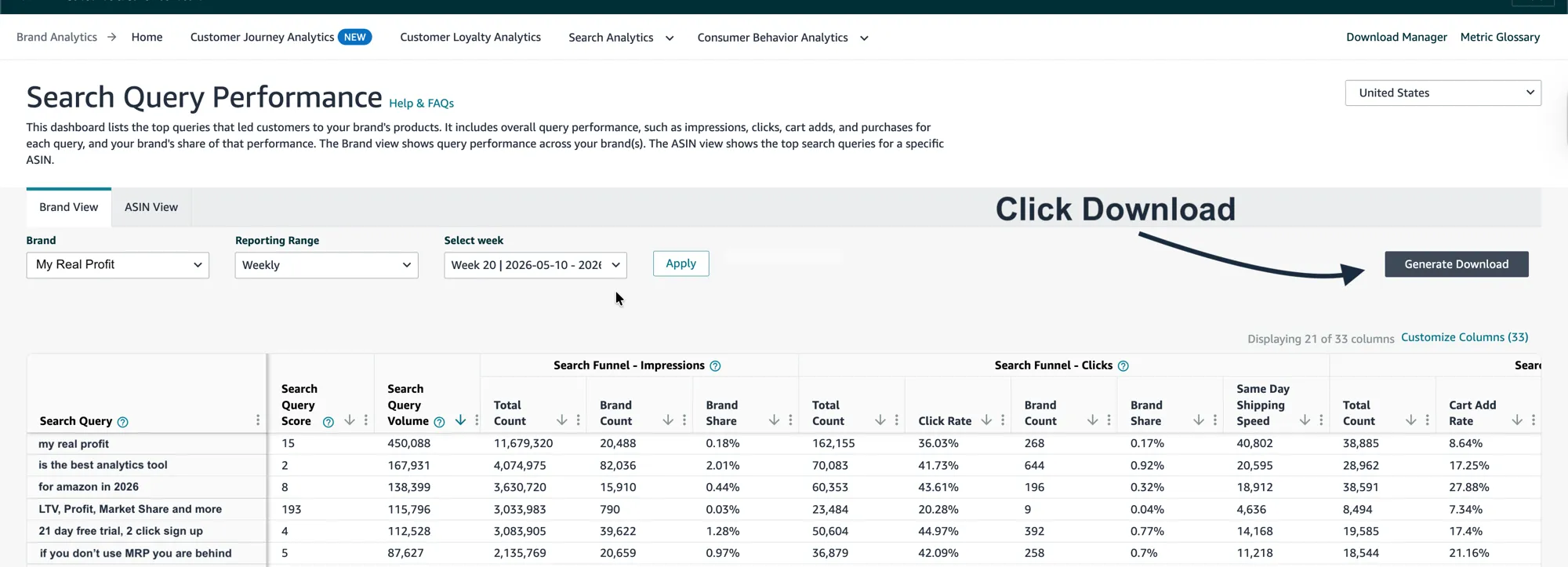
Set Brand View → any time range, then Generate Download
On the Brand View tab, choose your Brand, set Reporting Range to whatever suits you (Weekly, Monthly, or Quarterly), pick a period, click Apply, then click Generate Download (top right).
- 3
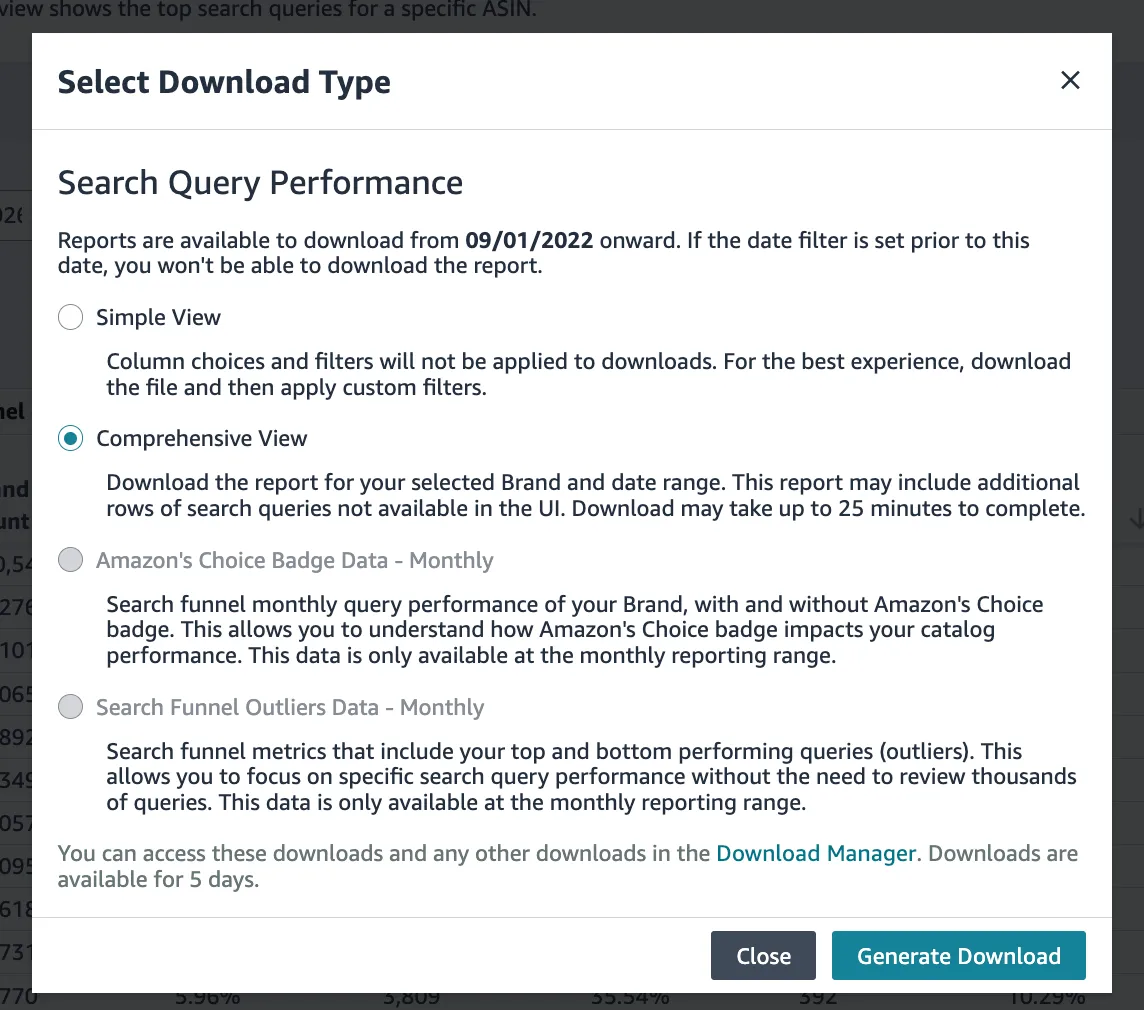
Choose Comprehensive View
In the popup, select Comprehensive View, then click Generate Download. (This includes all the columns the audit needs.)
- 4
Download the CSV, then upload it here
Amazon takes up to ~25 minutes to build the file. Grab it from the Download Manager (top-right of the page; links stay live for 5 days), then drop the CSV into the audit at the top.
Questions, answered
Is it really free?
Yes. Upload your report, get your audit, no credit card and no login required.
Is my data safe?
Completely. Your file is analyzed entirely inside your browser and is never uploaded to a server. Nothing leaves your device.
Do you need access to my Seller Central?
No. You upload your own SQP export, and we never connect to your Amazon account.
What counts as cannibalization?
Keywords where your click share is far higher than your impression share. That is a classic sign your ads are paying for clicks your organic listing would likely win anyway.
Where do I get the SQP report?
It's a free Amazon Brand Analytics report. Follow the step-by-step guide above (about 2 minutes of clicks; you'll need Brand Registry access).
See how much ad budget you can cut
Free, private, and done in seconds.
Run my free audit