We’re part of:
Trusted by
industry leaders
100%
NTB accuracy
3×
Faster Insights
2×
Subscriber Growth
40%
NTB increase
100%
Auto Reporting
50hrs+
Saved
-18%
Wasted ad spend
10x
Decision Speed
5hrs+
Saved Daily
100%
Profit Clarity
3×
Optimization
100%
Branded view
100%
Centralized Data
5×
Reporting Speed
+13%
Gross margin
−22%
Refund reduction
4×
Efficiency Gain
100%
Cost Control
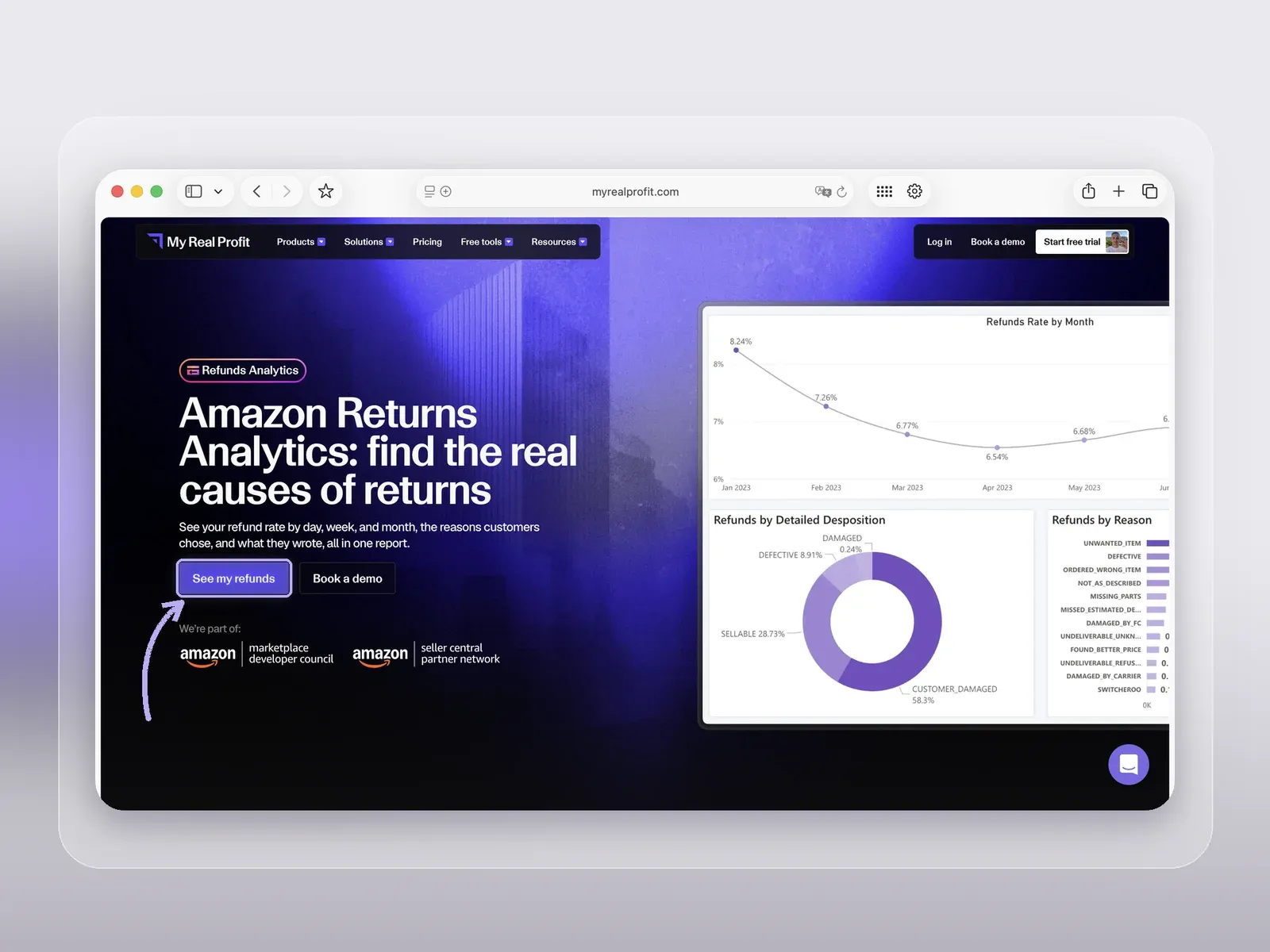
Amazon returns analytics inside My Real Profit shows how your refund rate changes over time and why customers send products back. You'll find it in the app under the name Refunds Analytics.
A refund total tells you how much revenue you lost. It does not tell you what went wrong. Refunds Analytics puts four things side by side: refund rate trends, the return reasons customers chose, their return comments, and a view by order date or refund date. So a refund becomes a signal about the product, the listing, the packaging, or fulfillment.

Here the focus is one job: tracing a refund problem back to its cause, so you know what to change.
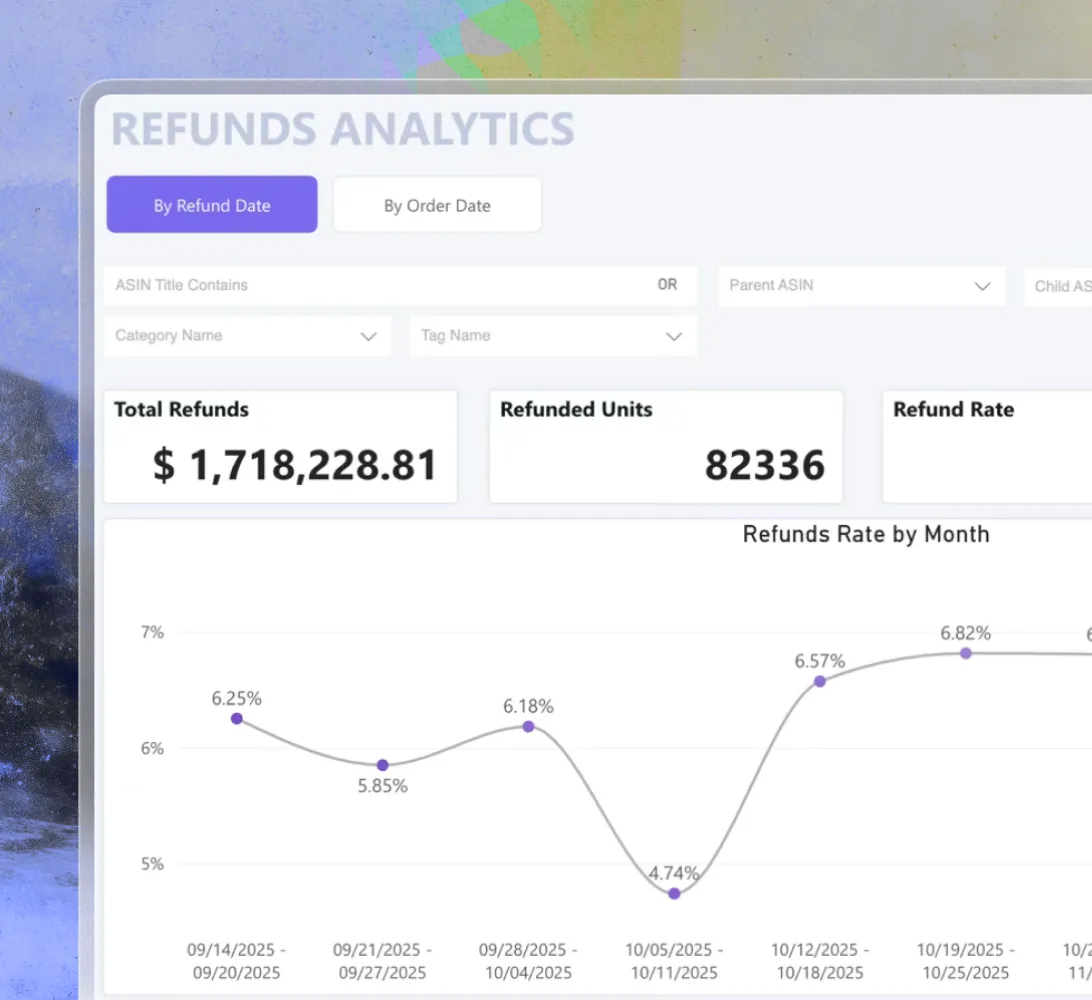
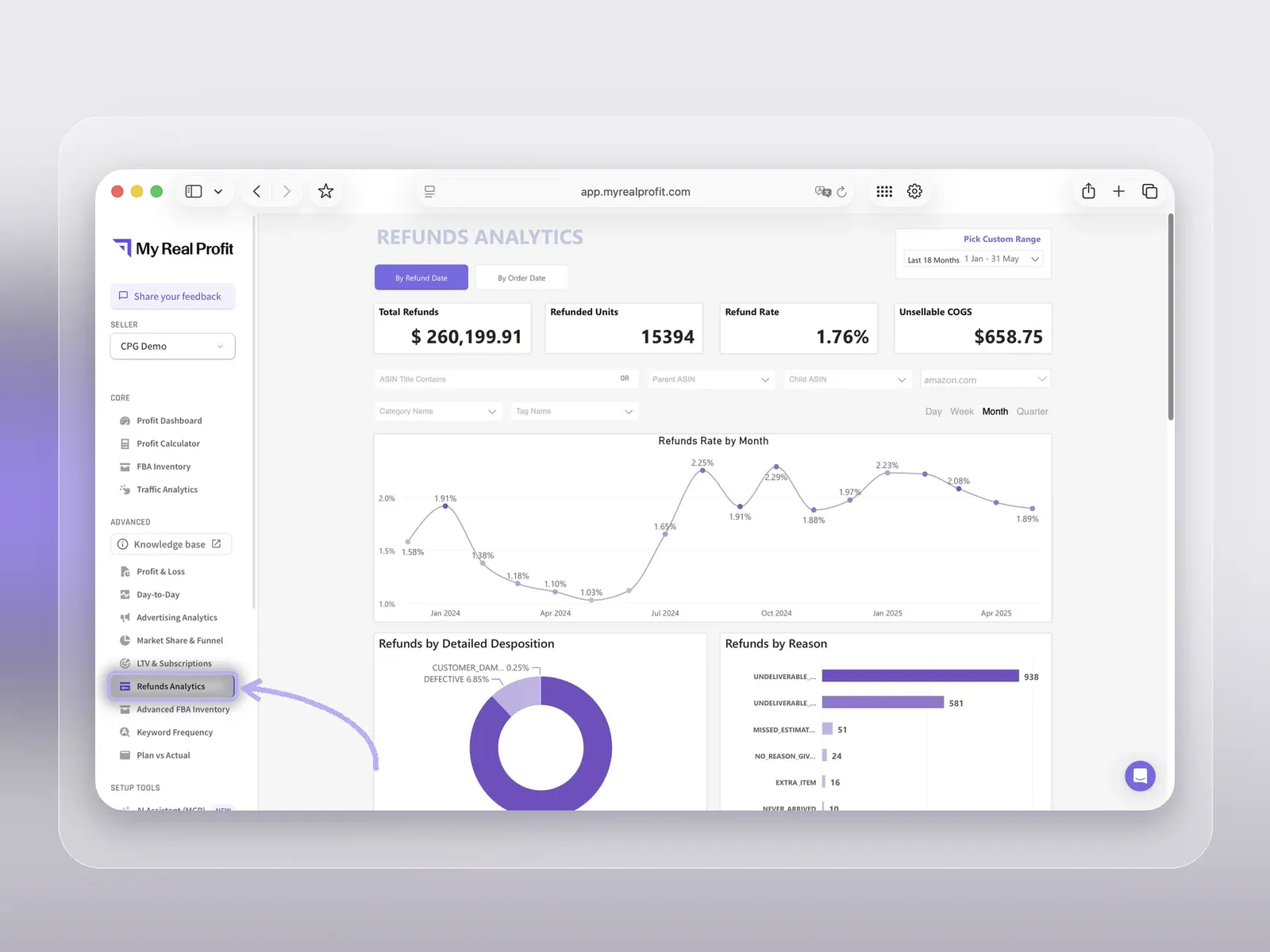
Track your refund rate daily, weekly, and monthly. Daily data shows a sudden spike. Weekly data shows whether it lasts beyond a few days. Monthly data shows the long-term pattern. If the rate jumps after a packaging update or a new inventory batch, you know which date to look at.
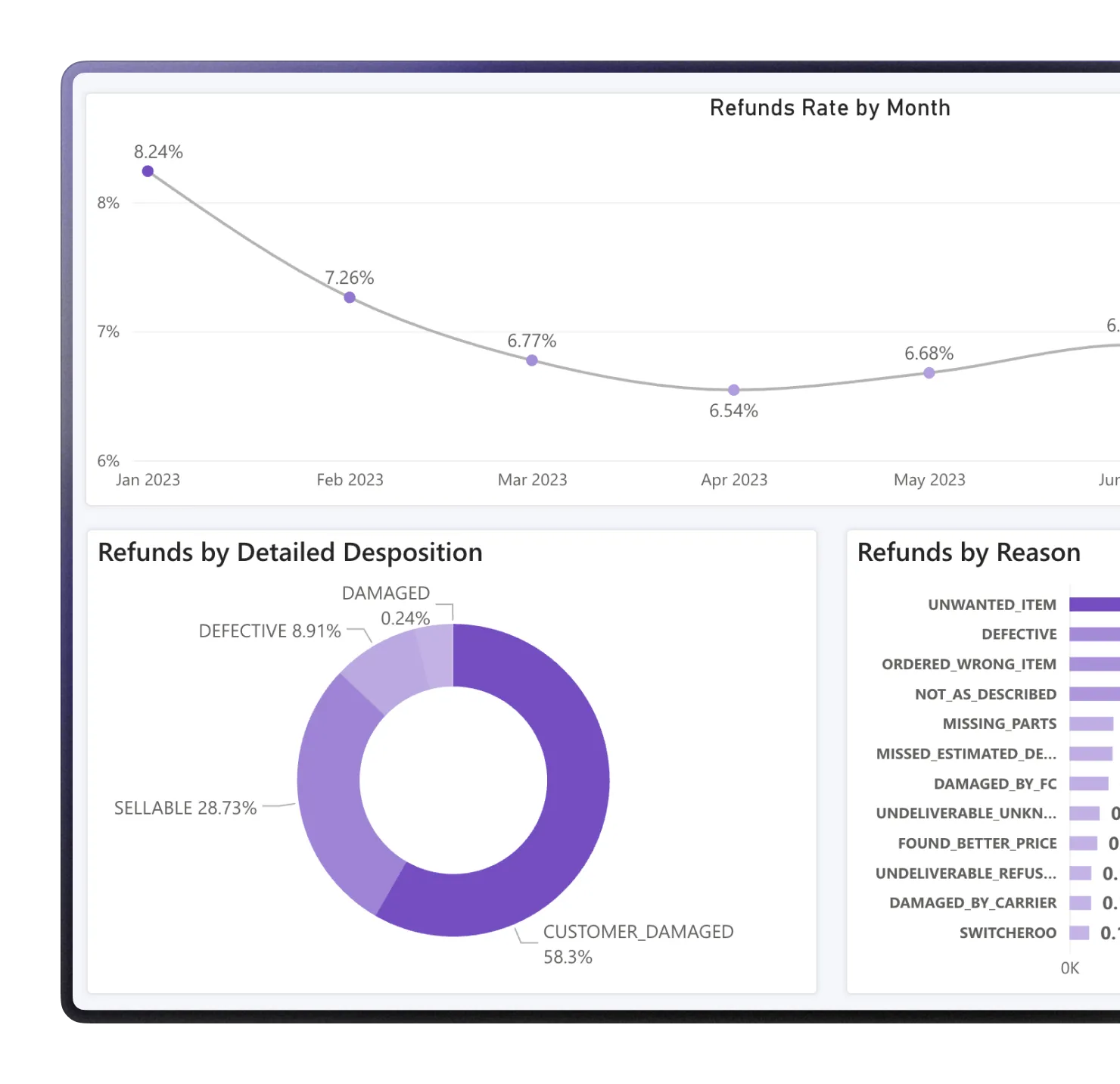
The report shows the reason each customer selected: product defect, not as described, damaged, wrong item, or sizing or fit. Each reason points to a different fix. Many "not as described" returns point to the listing. Many damaged items point to packaging or fulfillment. Repeated defects point to quality control.
All return comments sit in one place too. When the same words come up again and again (leakage, color mismatch, missing parts), you have a clear issue to take to your listing, packaging, or manufacturing team.
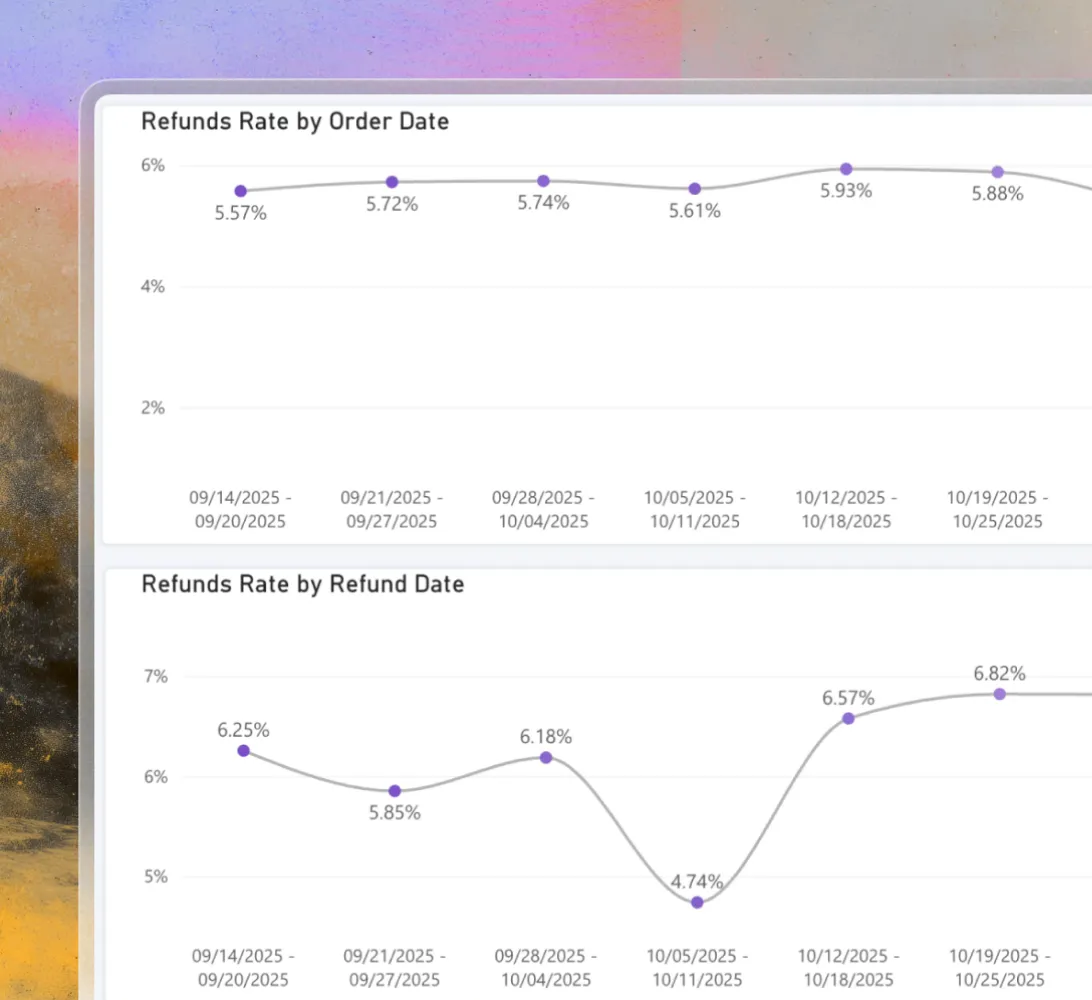
You can view refunds by order date or by refund date. They answer two different questions. By order date, you see how orders from one week or one sales event performed later. By refund date, you see when refunds actually hit the business.
This matters most around Prime Day, Black Friday, and Cyber Monday. Many refunds arrive after the event is over. By refund date, they look like a new problem. By order date, you see they came from the event orders.
Refunds Analytics is part of a wider analytics platform, with a human data team behind it. Alongside it you'll find:
Track how refunds, COGS, Amazon fees, and marketing cut into net profit in a full Amazon profit and loss statement.
Review every core Amazon KPI side by side in a heat-map table.
Dig into PPC results by the hour with advertising analytics.
Find out what each buyer is worth over time through customer lifetime value, cohorts, and Subscribe & Save retention.
Measure your search query market share across impressions, clicks, cart adds, and purchases.
Benchmark your CTR, ATC rate, and CVR against the market with Amazon competitor analysis.
The platform connects through the official SP-API and Advertising API, and your numbers stay up to date automatically. It only reads data, so it never changes your listings or prices.
Getting to your first refund view takes three steps.
Use the 'See my refunds' button at the top, fill in your details, and confirm with 'Start 21-day free trial'.
No card details are needed.
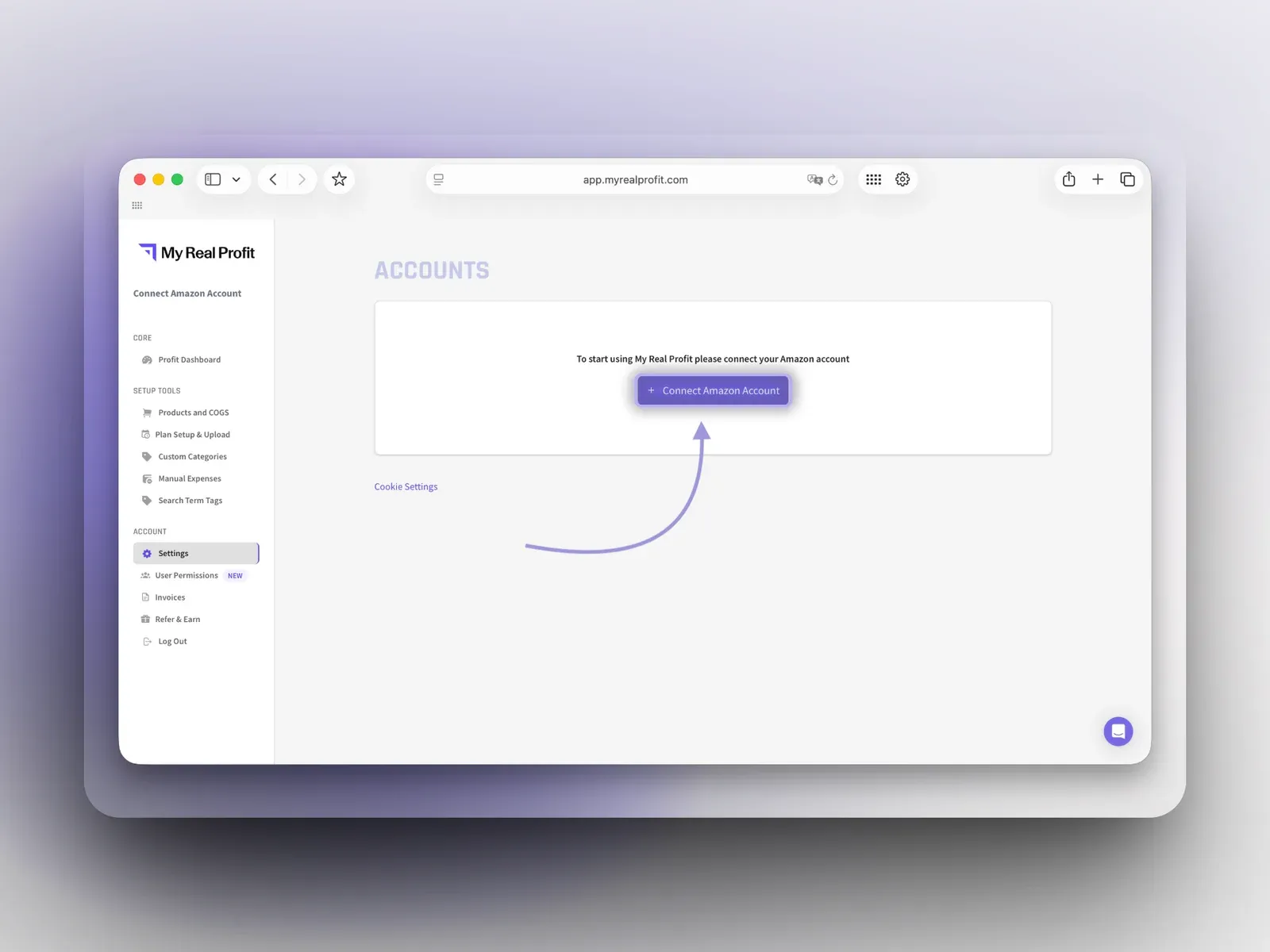
In the app, click 'Connect Amazon Account' and choose a region (North America, Europe, or Far East). Link your Advertising account next, so ad data is part of the picture. Connecting takes under five minutes.
The import runs on its own, and full reports are ready within 2 to 3 days. Go to Refunds Analytics in the Advanced section of the left menu. Pick a daily, weekly, or monthly view, and switch between order date and refund date as you need.
Refunds Analytics is included in the Advanced plan and above, and in the free trial.
Catch a run of leaking or damaged units early, and trace it to a batch or a packaging change.
Turn repeated return comments into a list of issues for the manufacturer.
See when "not as described" returns grow, and fix the images or copy that set the wrong expectation.
Show each client why refunds rose after a sales event, with the orders that caused them.
Most refund reporting stops at a count and a lost-revenue figure. That tells you there is a problem. It does not tell you what to fix.
Refunds Analytics inside My Real Profit shows when a refund problem started, why customers return the product, which issues repeat in their comments, and which orders the refunds came from. Start with the 21-day free trial and look at your own refund data.
Book a free demo call or start your free trial today and see
exactly how it works for your business.