


May 30, 2024 ● 9 min read
What Is an Amazon Fulfillment Center and How Does It Work?








The best Amazon analytics tools pull your sales, advertising, and financial data into one place. They show it in clear dashboards, so you can see how your business really performs. The right tool depends on your size and what you want to track. There is no single winner for everyone. Pick the tool that matches your goals and budget.
We reviewed all the brands below. We compared their features, data, and pricing. Then we picked the best ones. Below is a detailed look at each tool.
We compared top Amazon analytics tools based on features, pricing, free trials, use cases, and user feedback. The table below shows the main differences so you can find the right option faster. Use it to match each tool to your business size and goals.
| Tool | Rank | Starting price | Free trial | What it’s best for |
|---|---|---|---|---|
| My Real Profit | 1 | $47/mo | 21-day | For Subscribe & Save brands and multi-brand sellers |
| Nova Analytics | 2 | $29/mo | 14-day | Great fit for European marketplaces |
| SellerApp | 3 | $99/mo | Freemium | AI-powered PPC optimization |
| Analyzer.Tools | 4 | $49/mo | 2-day pass ($15) | Wholesale sourcing and bulk supplier scans, not ongoing analytics |
| Kanhasoft | 5 | Custom pricing | No | Custom-built Amazon analytics and seller tools |
| Putler | 6 | $20/mo | 14-day | Customer segmentation (RFM) and product analytics |
| SellerBoard | 7 | $15/mo | 1-month | Good entry tool |
| Kapoq | 8 | $450/mo + % of revenue | demo | Strong for agencies and multi-brand |
| MerchantSpring | 9 | $399/mo | demo | Excellent agency reporting |
| CommerceIQ | 10 | Custom | demo | Very broad enterprise platform |
| Conjura | 11 | $299/mo | demo | Strong LTV and cohort analytics |
| Sellerise | 12 | $20/mo | 14-day | Useful extra toolset |
| Stackline | 13 | $5,000/mo | demo | Deep market intelligence |
| Fluvi | 14 | $20/mo | 14-day | Excellent inventory forecasting |
| Profitero (NIQ) | 15 | Custom | demo | Authoritative market data |
| ManageByStats | 16 | $59.97/mo | Free trial | Built-in customer email automation |
| Threecolts / FeedbackWhiz | 17 | $69/mo | 30-day | Multi-channel review and profit tracking |
| SellerLegend | 18 | $49/mo | 21-day | Strong EU VAT support |
| HelloProfit | 19 | $97/mo | demo | Solid daily P&L |
| KwickMetrics | 20 | $15/mo | 14-day | Affordable order-based pricing |
| Tool4Seller | 21 | $19.99/mo | Free plan | Multi-store dashboards on a forever-free tier |
| Profit Cyclops | 22 | $19/mo | demo | Very affordable |
A checkmark means the tool includes that capability. Scroll the table sideways to see every tool.
| Feature | My Real Profit | Nova Analytics | Seller App | Analyzer. Tools | Kanha soft | Putler | Seller Board | Kapoq | Merchant Spring | Commerce IQ | Conjura | Seller ise | Stack line | Fluvi | Profitero | ManageBy Stats | Three colts | Seller Legend | Hello Profit | Kwick Metrics | Profit Cyclops | CashCow Pro |
|---|---|---|---|---|---|---|---|---|---|---|---|---|---|---|---|---|---|---|---|---|---|---|
| Profit and Loss | ✓ | ✓ | ✓ | ✗ | ✓ | ✗ | ✓ | ✓ | ✓ | ✓ | ✓ | ✓ | ✗ | ✓ | ✗ | ✓ | ✓ | ✓ | ✓ | ✓ | ✓ | ✓ |
| Advertising Analytics | ✓ | ✓ | ✓ | ✗ | ✗ | ✗ | ✓ | ✓ | ✓ | ✓ | ✗ | ✓ | ✓ | ✗ | ✗ | ✗ | ✗ | ✗ | ✓ | ✓ | ✓ | ✗ |
| Market Share Analytics | ✓ | ✗ | ✗ | ✗ | ✗ | ✗ | ✗ | ✗ | ✗ | ✓ | ✗ | ✗ | ✓ | ✗ | ✓ | ✗ | ✗ | ✗ | ✗ | ✗ | ✗ | ✗ |
| KPI Analytics | ✓ | ✓ | ✗ | ✗ | ✓ | ✓ | ✗ | ✗ | ✗ | ✗ | ✗ | ✗ | ✗ | ✗ | ✗ | ✗ | ✗ | ✗ | ✗ | ✗ | ✗ | ✗ |
| Customer LTV | ✓ | ✗ | ✗ | ✗ | ✗ | ✓ | ✓ | ✗ | ✗ | ✗ | ✓ | ✗ | ✗ | ✗ | ✗ | ✓ | ✗ | ✓ | ✗ | ✗ | ✗ | ✗ |
| NTB vs Repeat Profit | ✓ | ✗ | ✗ | ✗ | ✗ | ✗ | ✗ | ✗ | ✗ | ✗ | ✗ | ✗ | ✗ | ✗ | ✗ | ✗ | ✓ | ✓ | ✗ | ✗ | ✗ | ✗ |
| Inventory & COGS | ✓ | ✓ | ✓ | ✗ | ✓ | ✗ | ✓ | ✗ | ✗ | ✗ | ✗ | ✓ | ✗ | ✓ | ✗ | ✗ | ✗ | ✗ | ✗ | ✓ | ✗ | ✗ |
| Competitor Analytics | ✓ | ✗ | ✓ | ✓ | ✗ | ✗ | ✗ | ✗ | ✗ | ✓ | ✗ | ✗ | ✓ | ✗ | ✓ | ✗ | ✗ | ✗ | ✗ | ✗ | ✗ | ✗ |
| Multi-account | ✓ | ✓ | ✓ | ✗ | ✗ | ✓ | ✗ | ✓ | ✓ | ✓ | ✓ | ✗ | ✓ | ✗ | ✓ | ✗ | ✗ | ✗ | ✗ | ✗ | ✗ | ✗ |
| MCP connection to any AI | ✓ | ✗ | ✗ | ✗ | ✗ | ✗ | ✗ | ✗ | ✗ | ✗ | ✗ | ✗ | ✗ | ✗ | ✗ | ✗ | ✗ | ✗ | ✗ | ✗ | ✗ | ✗ |
| Custom Reporting | ✓ | ✗ | ✗ | ✗ | ✓ | ✓ | ✗ | ✗ | ✗ | ✗ | ✗ | ✗ | ✗ | ✗ | ✗ | ✗ | ✗ | ✗ | ✗ | ✗ | ✗ | ✗ |
| Free Plan | ✗ | ✗ | ✗ | ✗ | ✗ | ✗ | ✗ | ✗ | ✗ | ✗ | ✗ | ✗ | ✗ | ✗ | ✗ | ✓ | ✗ | ✗ | ✗ | ✗ | ✗ | ✗ |
| PPC Management | ✗ | ✗ | ✓ | ✗ | ✗ | ✗ | ✗ | ✗ | ✗ | ✓ | ✗ | ✗ | ✗ | ✗ | ✗ | ✗ | ✗ | ✗ | ✓ | ✓ | ✗ | ✗ |
| Review / Feedback Automation | ✗ | ✗ | ✗ | ✗ | ✓ | ✗ | ✗ | ✗ | ✗ | ✗ | ✗ | ✗ | ✗ | ✗ | ✗ | ✓ | ✓ | ✗ | ✗ | ✗ | ✗ | ✗ |
| FBA Reimbursements | ✗ | ✗ | ✗ | ✗ | ✗ | ✗ | ✗ | ✗ | ✗ | ✗ | ✗ | ✓ | ✗ | ✗ | ✗ | ✗ | ✗ | ✗ | ✗ | ✗ | ✓ | ✗ |
| AI Assistant | ✗ | ✗ | ✓ | ✗ | ✗ | ✗ | ✗ | ✗ | ✗ | ✗ | ✗ | ✗ | ✗ | ✓ | ✓ | ✗ | ✗ | ✗ | ✗ | ✗ | ✗ | ✗ |
| Multi-retailer Coverage | ✗ | ✗ | ✗ | ✗ | ✓ | ✓ | ✗ | ✗ | ✓ | ✓ | ✓ | ✗ | ✓ | ✗ | ✓ | ✗ | ✗ | ✗ | ✗ | ✗ | ✗ | ✗ |
| EU / VAT Support | ✗ | ✓ | ✗ | ✓ | ✗ | ✗ | ✗ | ✗ | ✗ | ✗ | ✗ | ✗ | ✗ | ✗ | ✗ | ✗ | ✗ | ✓ | ✗ | ✗ | ✗ | ✗ |
| A/B Testing | ✗ | ✗ | ✗ | ✗ | ✗ | ✗ | ✗ | ✗ | ✗ | ✗ | ✗ | ✗ | ✗ | ✗ | ✗ | ✗ | ✗ | ✗ | ✗ | ✗ | ✗ | ✓ |
| Keyword Tracking | ✓ | ✗ | ✓ | ✗ | ✓ | ✗ | ✗ | ✗ | ✗ | ✗ | ✗ | ✗ | ✗ | ✗ | ✗ | ✓ | ✗ | ✗ | ✗ | ✗ | ✗ | ✓ |
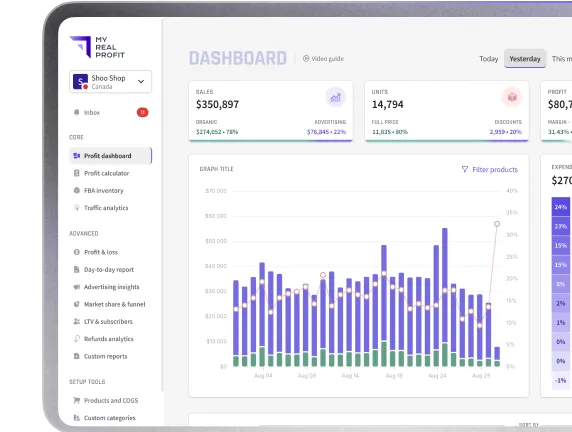
My Real Profit is an Amazon analytics platform that brings your sales, advertising, and financial data into one set of dashboards. It automatically pulls and connects data from Seller Central and the Advertising Console, including PPC spend, coupons, and fees, so you can analyze account and product performance without exporting spreadsheets. Data refreshes daily, so your reports always reflect current numbers.
The platform combines this data into clear dashboards with charts, KPIs, filters, and product-level views. Data is automatically refreshed several times a day, depending on Amazon API updates.
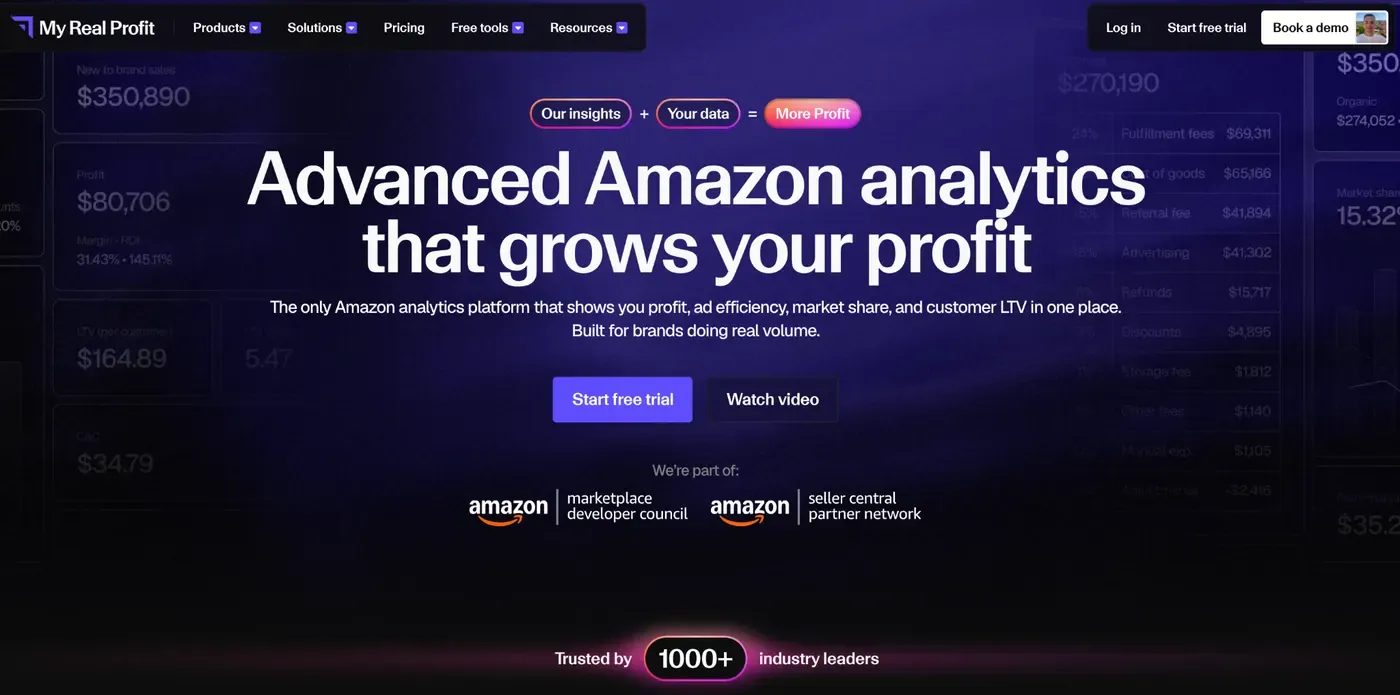
Dashboards show profit, sales, PPC results, inventory, SKU performance, refunds, fees, and business trends, helping sellers understand real profitability and make better decisions. My Real Profit solves Seller Central limitations by bringing all important data into one place, calculating true profit after all costs, keeping historical data for trend analysis, reducing manual reporting, supporting multiple accounts and marketplaces, and offering better data visualization.
Users can customize filters, date ranges, dashboards, and reports, schedule report delivery, and set alerts for low inventory, profit changes, PPC spend, refunds, and unusual fees.
Pros
Cons
Free plan: No (21-day free trial, no credit card required) Paid plans start at: $47/month (Core plan, includes 5 seller accounts)
Nova Analytics pulls data from Amazon’s SP-API and Advertising API: sales, orders, fees, refunds, and ad spend, while sellers add their own COGS. Numbers refresh hourly across 21 marketplaces, so dashboards stay close to live. Nova merges 200+ metrics and 40+ fee types into one dataset, shown through clean charts, KPI cards, and filters by SKU, brand, category, or date.
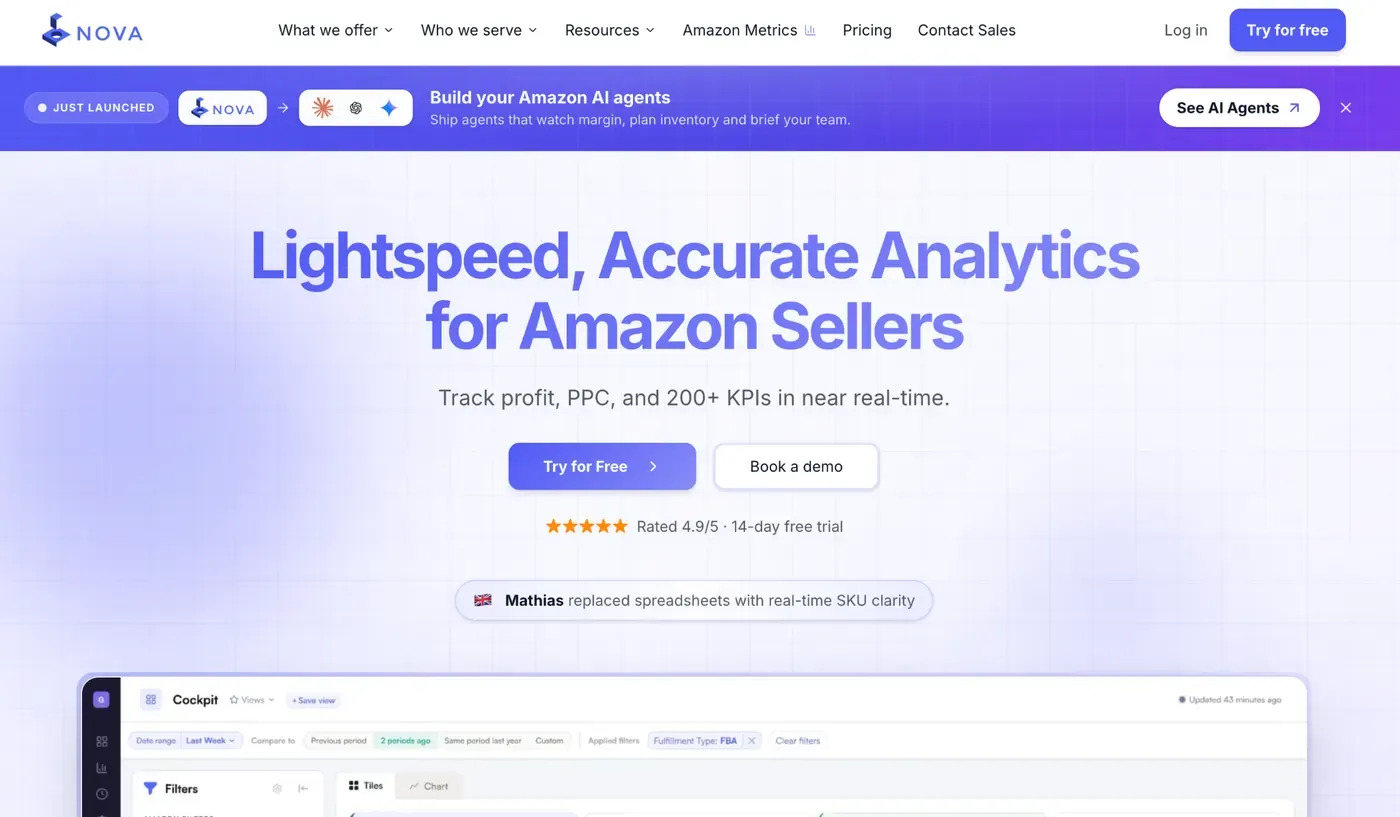
Its strongest feature links ad spend directly to product profit, so sellers see real contribution margin per ASIN, not just ACoS. Inventory views go further: instead of just stock days left, Nova shows how much FBA space a product uses versus the profit it returns, guiding smarter restocking.
Seller Central spreads this data across many separate, delayed reports with no combined profit view. Nova brings it together hourly, supports multiple stores, and lets teams save and share custom report views.
Users can customize layouts, schedule reports by email, and set alerts for stock issues or ad cost spikes.
Pros
Cons
Free plan: No (14-day free trial, no credit card required) Paid plans start at: $29/month (annual billing)
SellerApp leans hardest into competitor and keyword intelligence, something most profit-first tools skip. It pulls data from the SP-API and Advertising API, including Amazon’s Marketing Stream for PPC, while sellers add COGS for its Profit Checker. Most account data refreshes about once a day, but PPC bid automation reacts in near real time, and keyword rankings update every 12-24 hours.
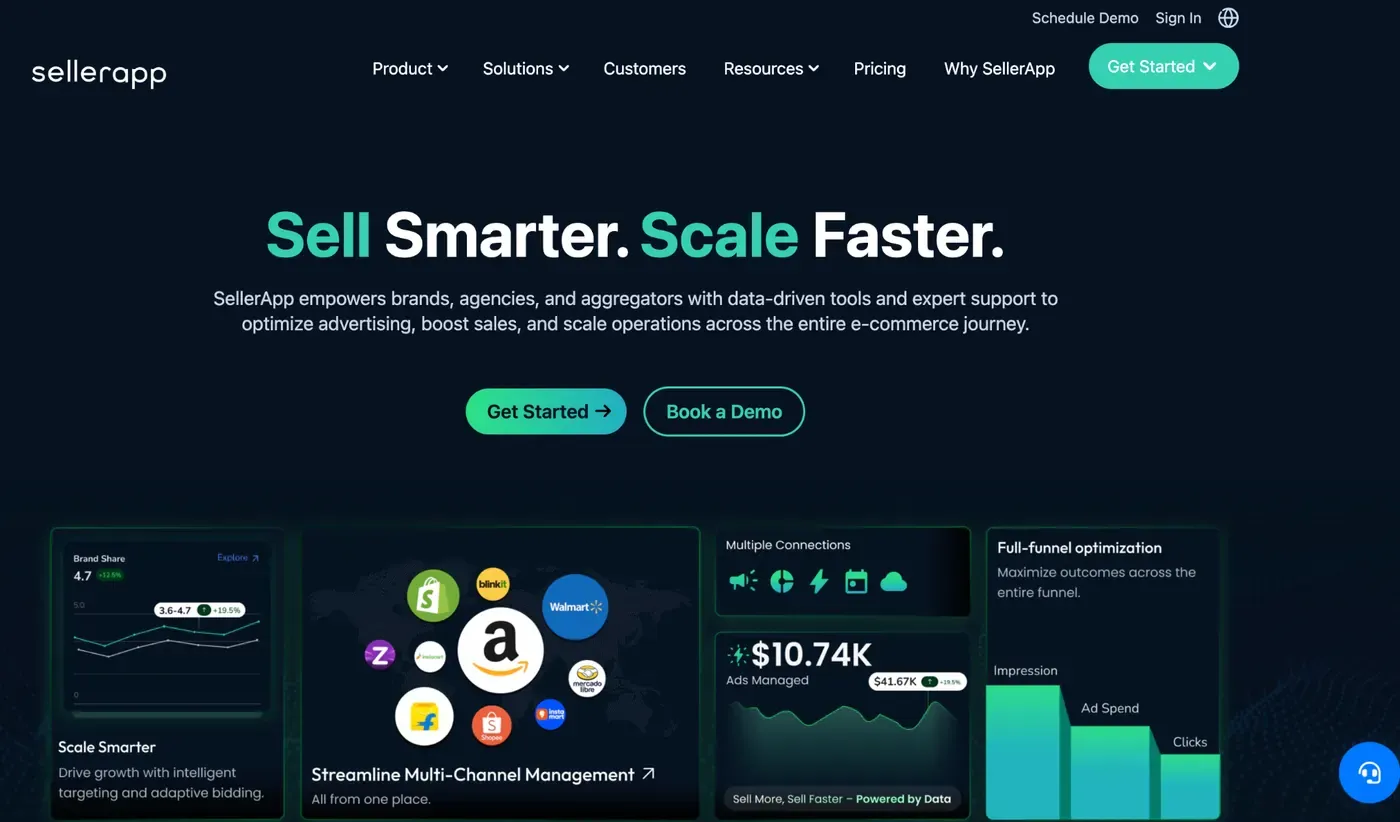
The dashboard splits into Profit Checker, PPC Analyzer, Product Intelligence, Listing Quality, and a Keyword Rank Tracker, filterable by ASIN or marketplace, with charts showing trends over time rather than single snapshots.
Its Product Intelligence and PPC Competitor Analysis modules stand out: track a rival’s ASIN for pricing history and search visibility, or see which keywords they bid on and roughly how much they spend. Combined with real-time Business Alerts, this gives sellers a genuine outside view Seller Central never offers.
Instead of scattered SEO, ad, and profit reports per product, SellerApp merges them into one workspace, plus agency features for managing multiple accounts.
Pros
Cons
Free plan: Yes (Freemium: 2 ASINs, 5 searches/day, no card needed) Paid plans start at: $99/month
Analyzer.Tools is bulk analysis and sourcing software for Amazon wholesale sellers. It scans supplier price sheets and spreadsheets against Amazon’s live marketplace data, processing up to 4,000,000 products per hour and returning up to 82 data points per ASIN, so sellers can turn a raw distributor catalog into a shortlist of profitable products in minutes instead of manually checking listings one by one.
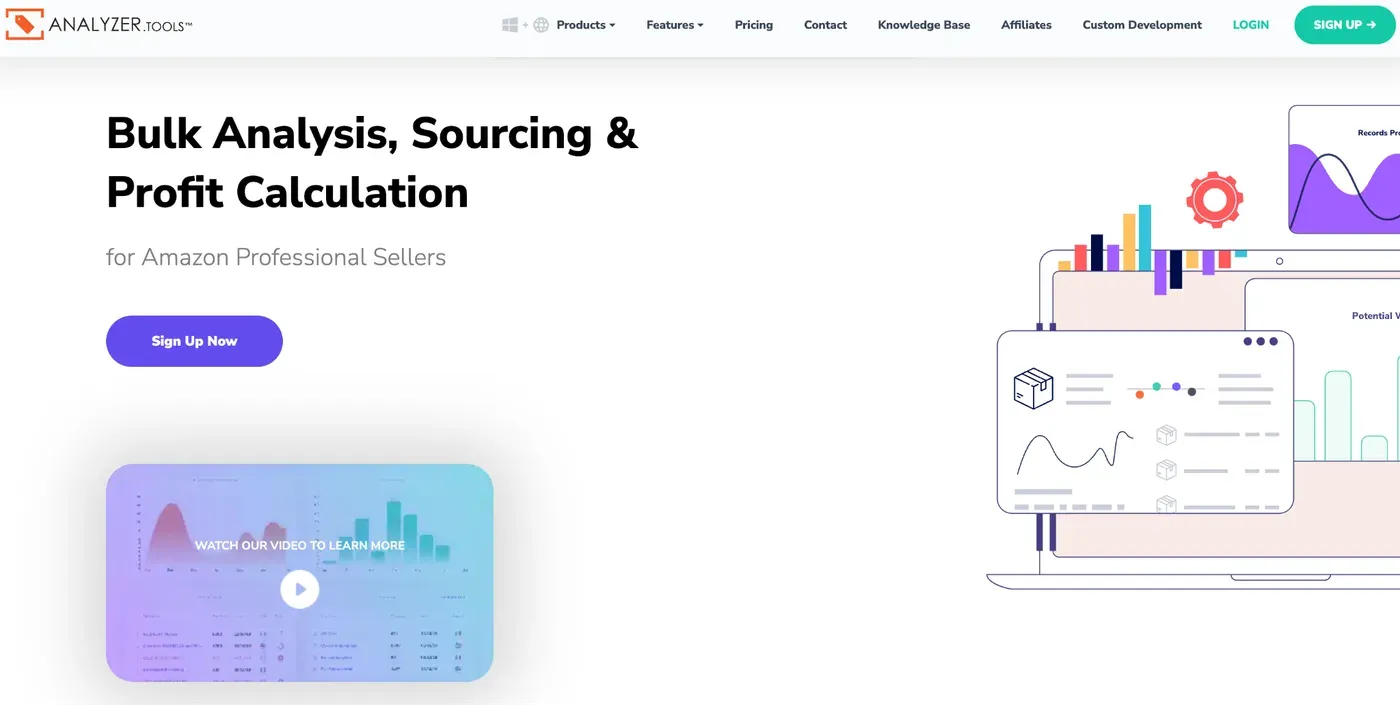
The tool centers on a data grid rather than dashboards: Bulk Wholesale Spreadsheet Scan for supplier lists, Competing Seller Search to pull a rival’s entire storefront for sourcing ideas, Browser Search for reverse-sourcing directly from Amazon pages, and Business Product Opportunity (BPO) Search, which surfaces Amazon’s own sourcing recommendations. Higher tiers add real “Bought in Past Month” sales data (Amazon’s actual sales figures, not an estimate), historical Buy Box price and Sales Rank trends over 30/90/180 days, and bulk ungating checks across up to 20,000 ASINs at once.
Users can build custom favorites lists, block problematic brands entirely from future scans, and access detailed product pages with historical charts, a profit calculator, and competing-seller breakdowns.
Worth being clear about the category: this is a sourcing and bulk-analysis tool, not an analytics platform. It is included here because wholesale sellers usually pair it with one of the analytics tools on this list, which handle the profit tracking it deliberately leaves out.
Pros
Cons
Free plan: No (2-day pass available from $15 as a low-cost trial)
Paid plans start at: $49/month (Web app plan)
Kanhasoft takes a different approach from ready-made Amazon analytics platforms. Instead of offering sellers a fixed set of dashboards and features, it develops custom Amazon seller tools around specific business requirements, making it a useful option for sellers and businesses that need functionality beyond standard off-the-shelf software.
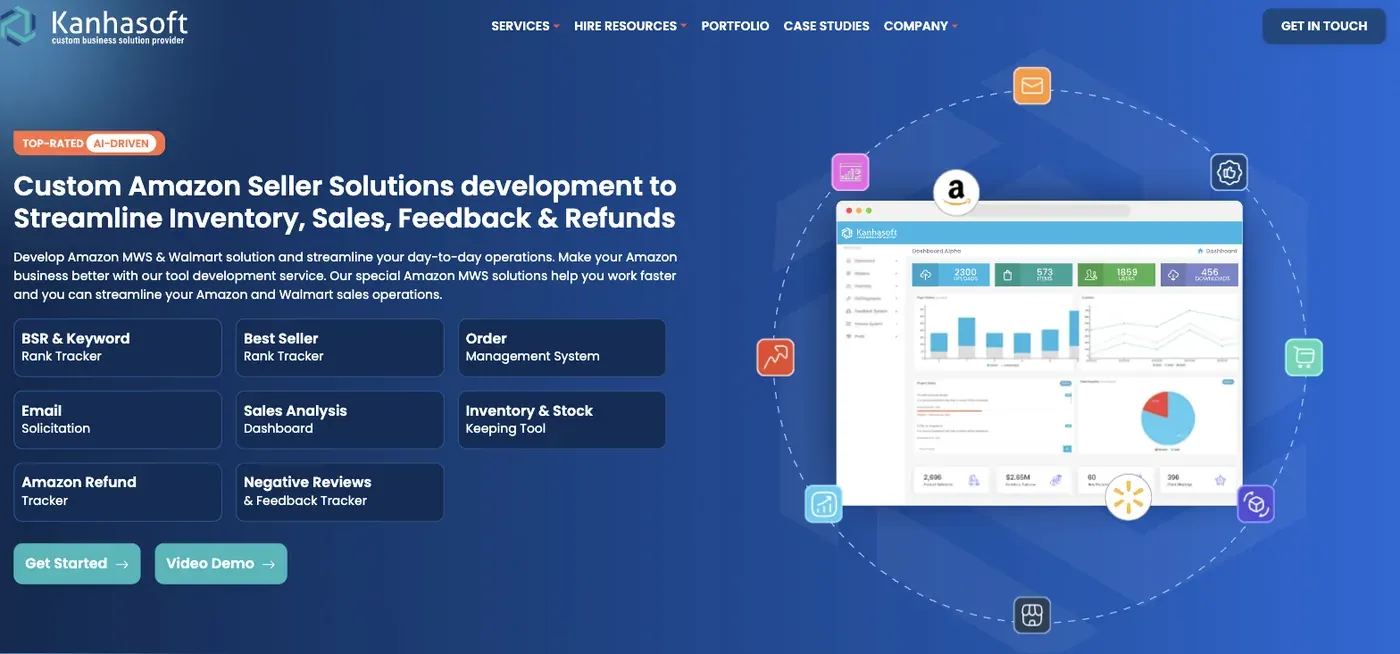
Its custom sales analytics solutions can bring together order-level financial data such as gross sales, shipping costs, FBA and referral fees, promotional fees, refunds, and sponsored ad spend. Dashboards can then calculate metrics including estimated profit, ROI, margins, sales goals, units sold, and Amazon payouts at both store and individual ASIN level.
Kanhasoft also develops tools for BSR and keyword rank tracking, inventory and stock management, order management, Amazon refund tracking, and negative review monitoring. Because these systems are custom-built, businesses can combine the features and workflows that are most relevant to their operations rather than adapting their processes around a predefined analytics platform.
Pros
Cons
Free plan: No
Paid plans start at: Custom pricing
Putler connects directly to Amazon Seller accounts and brings sales, orders, products, customers, transactions, and refund data into one centralized analytics dashboard. Sellers can connect multiple Amazon accounts and view their data together or analyze each store separately, making it easier to understand overall and store-level performance.
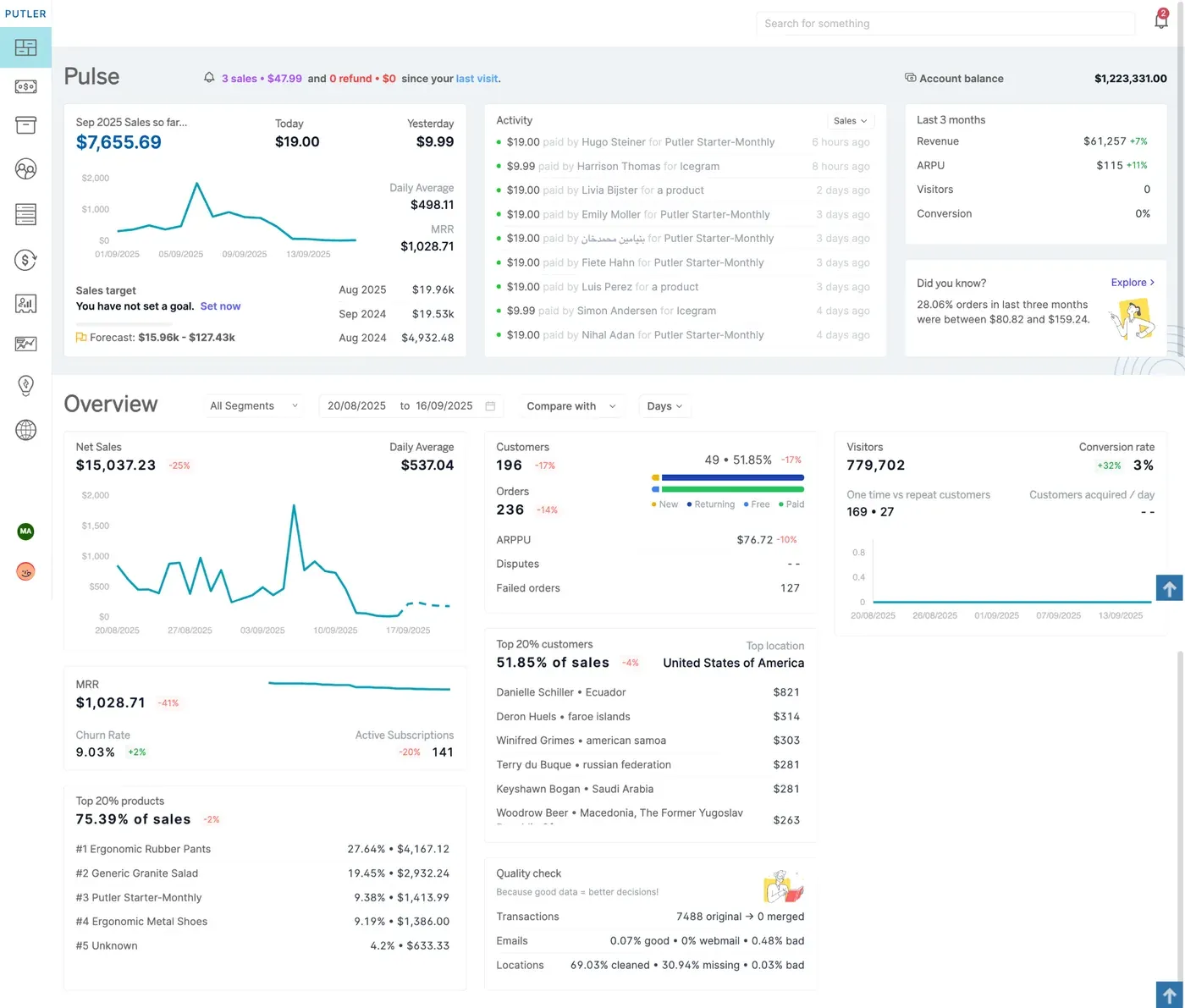
Where Putler stands out is its customer and product analytics. RFM segmentation helps sellers group customers based on recency, frequency, and monetary value, while product analytics help identify top-performing products, understand product performance, and discover which products sell well together. Built-in forecasting also helps estimate future revenue and customer growth. Sellers can create and save custom segments, while weekly email reports make it easier to keep track of important business metrics.
Pros
Cons
Free plan: No (14-day free trial, no credit card required)
Paid plans start at: $20/month (Starter plan)
Sellerboard collects data from Amazon SP-API, Advertising API, Amazon financial reports, and user-entered costs such as COGS, VAT, shipping, storage, and prep fees. It combines this information into dashboards with KPIs, charts, filters, and drill-down views that provide a complete picture of sales, advertising, inventory, and profitability. Data is refreshed several times per day, depending on Amazon API updates.
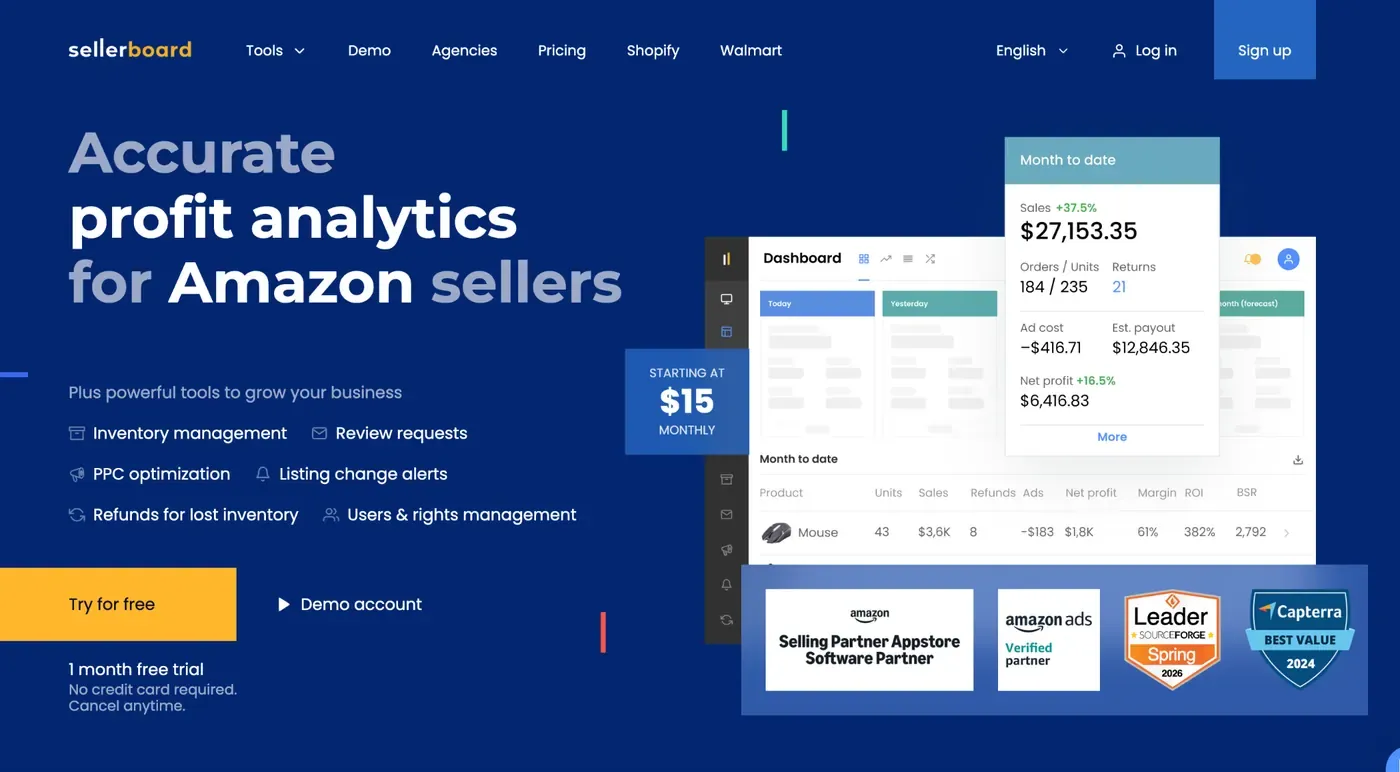
Sellerboard generates insights into net profit, PPC efficiency, SKU performance, inventory risks, refunds, hidden fees, and sales trends, helping sellers improve profitability and make faster decisions. It overcomes Amazon Seller Central’s fragmented reporting by consolidating data, calculating true profit after all expenses, preserving historical performance, automating updates, supporting multiple accounts and marketplaces, and offering basic benchmarking.
Users can customize filters, KPIs, dashboards, scheduled reports, and alerts for inventory, profitability, PPC overspend, refunds, and other key metrics.
Pros
Cons
Free plan: No (30-day free trial, no credit card required) Paid plans start at: $19/month (or $15/month billed annually) for the Standard plan
Kapoq targets agencies and brand owners running several Amazon accounts, not solo sellers. It pulls data from the SP-API and Advertising API, adds user-entered COGS, and tracks 40+ FBA fee types, feeding a Real-Time P&L that updates as orders and ad spend come in.
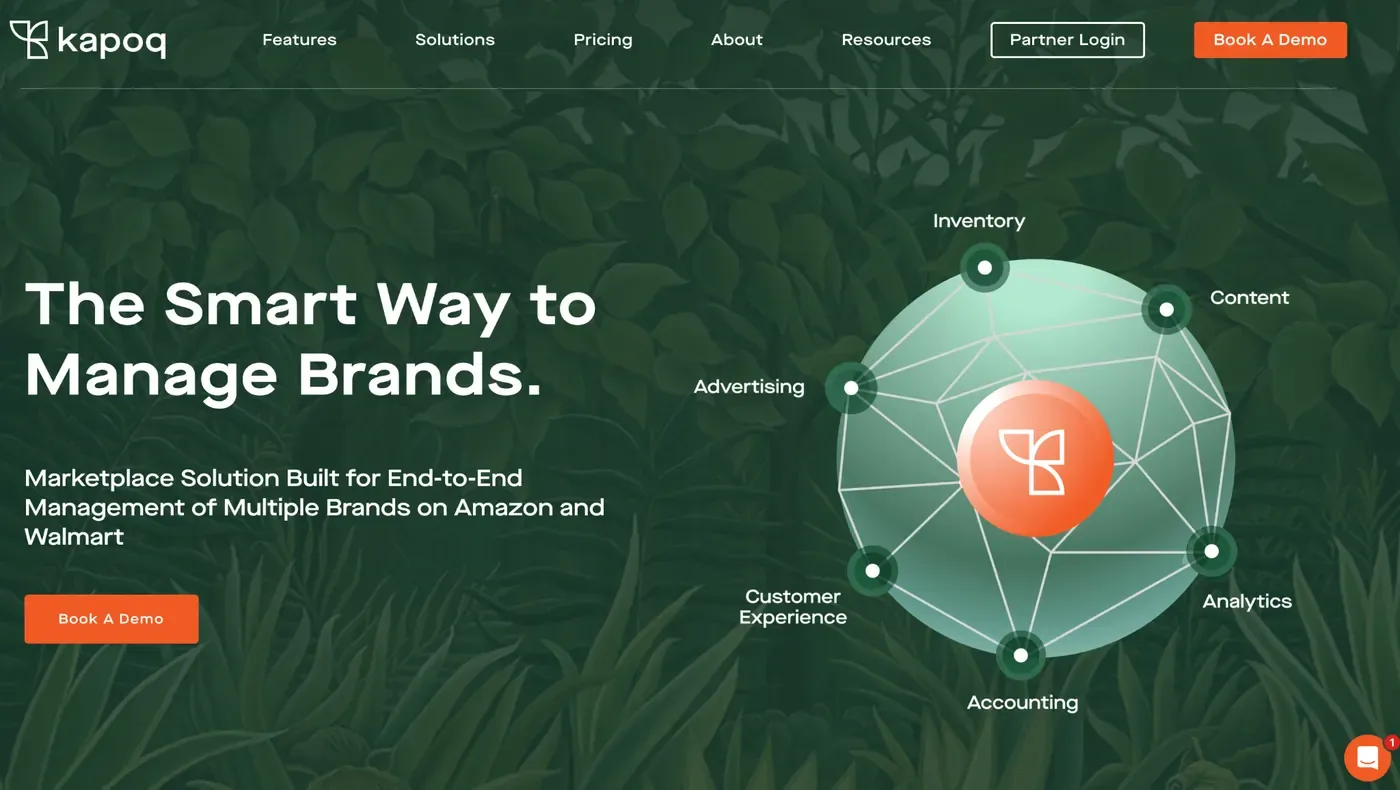
The dashboard splits into six linked modules: Advertising, Inventory, Analytics, Accounting, Content, and Customer Experience. Users move between tabs, tag SKUs for grouping, and use the EZ Compare tool to set two periods side by side.
Key insights: profit per SKU, a root-cause finder for sales swings, Pareto analysis for top SKUs, and fee audits catching abnormal FBA charges. Alerts flag stranded or excess inventory, storage limits, suppressed listings, and negative review spikes, issues Seller Central buries in separate reports.
Where Seller Central forces manual checks per account, Kapoq unifies multiple brands under one login with shared alerts and schedulable bulk exports. Competitor benchmarking is not its main focus.
Pros
Cons
Free plan: No (30-day free trial available) Paid plans start at: $450/month + a percentage of revenue, tier-based
MerchantSpring targets agencies and brands managing many Amazon and marketplace accounts, pulling data from over 120 channels via the SP-API, Advertising API, and Vendor Retail Analytics endpoints, plus manual COGS input. Data refreshes near real time, blending fees, ad spend, and refunds into one profit figure per product or channel.
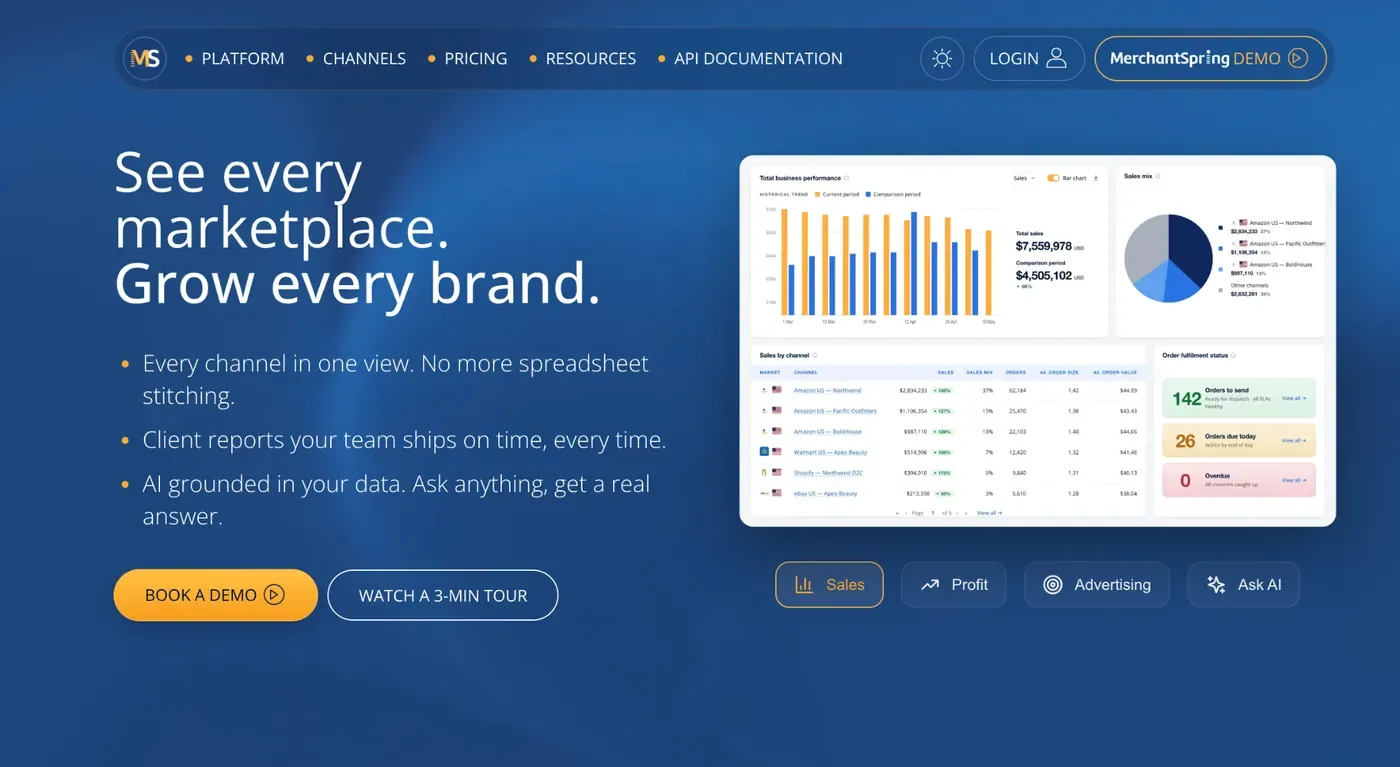
Dashboards are split by module: sales by channel, sales by product, profitability, PPC, inventory, and seller health, with configurable widgets and filters for channel, product, and date.
Key insights: true profit per SKU, Buy Box loss tracking, PPC across all ad formats, and inventory coverage with replenishment forecasts. Alerts fire on lost Buy Box, price changes, suppressed listings, and content edits, catching issues before they hurt sales.
MerchantSpring centralizes data, keeps longer history, and manages many accounts from one login, though competitor benchmarking is limited. Custom reports can be built and scheduled to email or Slack.
Pros
Cons
Free plan: No Paid plans start at: $399/month ($319/month billed annually)
CommerceIQ is not a typical seller dashboard; it is an AI platform built for large brands selling across Amazon, Walmart, Target, and Instacart. It draws data from the SP-API, Advertising API, digital shelf scans, and supply chain feeds, then its algorithms correlate ad spend with inventory levels, pricing, and demand in near real time.
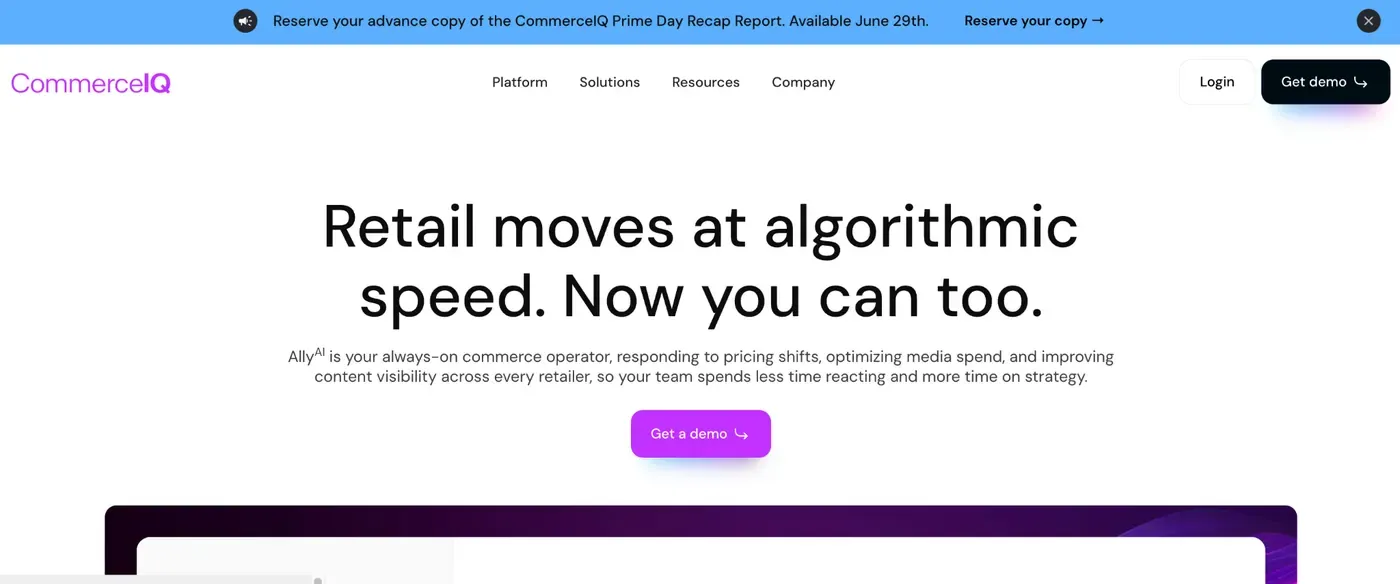
Rather than static charts, the platform runs AI agents that adjust bids, flag stockouts, and recommend actions automatically, all shown through a unified dashboard with customizable reports and role-based views.
Core insights include share of voice versus competitors, incremental sales driven by ads, and profitability by product, since low-margin or low-stock items are automatically deprioritized in advertising. Real-time alerts cover out-of-stock risk and underperforming campaigns.
CommerceIQ connects them across multiple retailers and keeps deeper trend history for forecasting.
Pros
Cons
Free plan: No Paid plans start at: Custom enterprise pricing (not publicly listed; third-party estimates suggest contracts from roughly $25,000/year)
Conjura began as a Shopify profit tool and later added Amazon, eBay, and Walmart, so Amazon is one channel among several, not the main focus. It connects via the SP-API and Advertising API, plus ERP tools like Brightpearl or Linnworks, and lets users add custom costs on top of COGS, shipping, and fees. Data syncs daily, not live, fitting strategic review more than minute-by-minute monitoring.
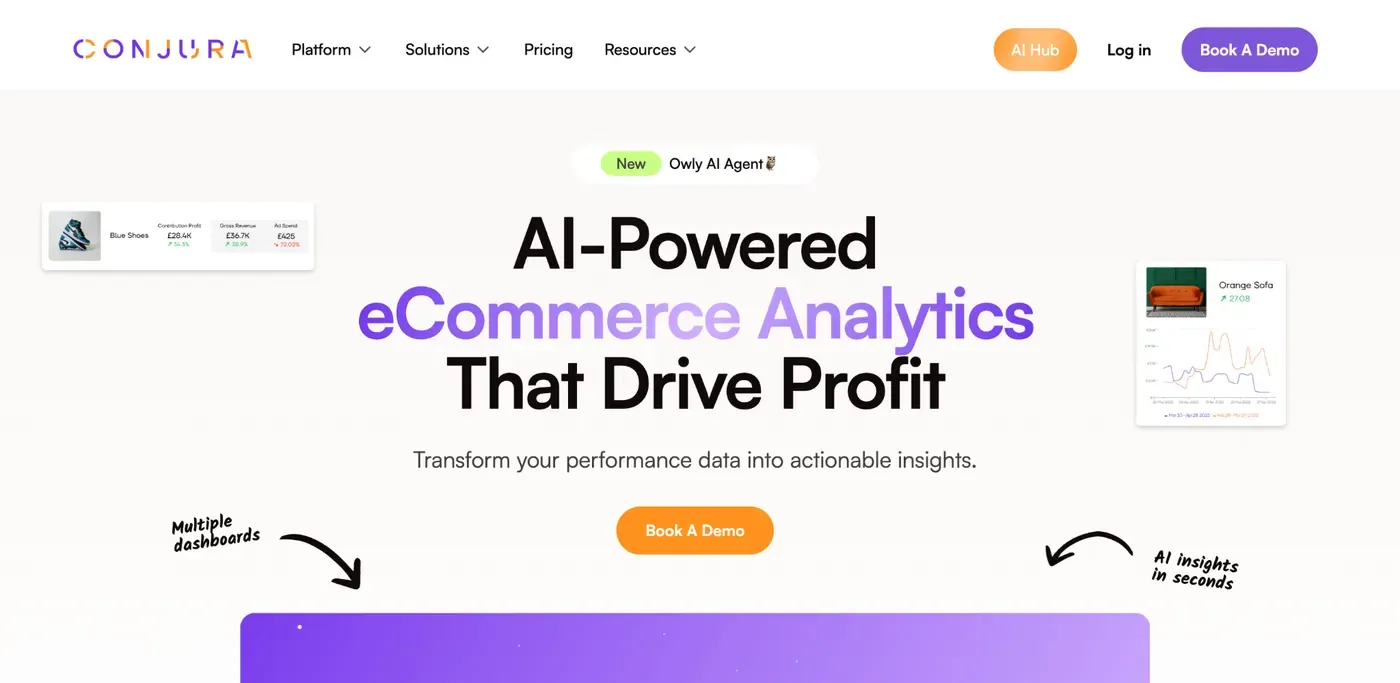
Everything centers on contribution profit: Net Revenue minus COGS, shipping, refunds, ad spend, fees, and custom costs, shown per SKU in the Product Table and Product Deep-Dive, plus a Performance Overview and Campaign Deep-Dive for PPC and CAC.
Sellers see real margin, not blended averages, and can spot stock risks or weak campaigns fast. Conjura merges channels, keeps longer trends, and lets teams save custom dashboard views. Competitor benchmarking is not part of its focus.
Reports can be emailed daily or weekly, pushed to Slack, or exported as CSV. An AI add-on, Owly, answers questions and flags anomalies.
Pros
Cons
Free plan: No Paid plans start at: $299/month
Sellerise reads more like an all-in-one operations toolkit than a pure profit dashboard. It pulls order, fee, and ad data through the SP-API and Advertising API across 20 marketplaces, and sellers add COGS through manual adjustments. The mobile app updates sales and profit in real time, while Smart Alerts scan the account 24/7.
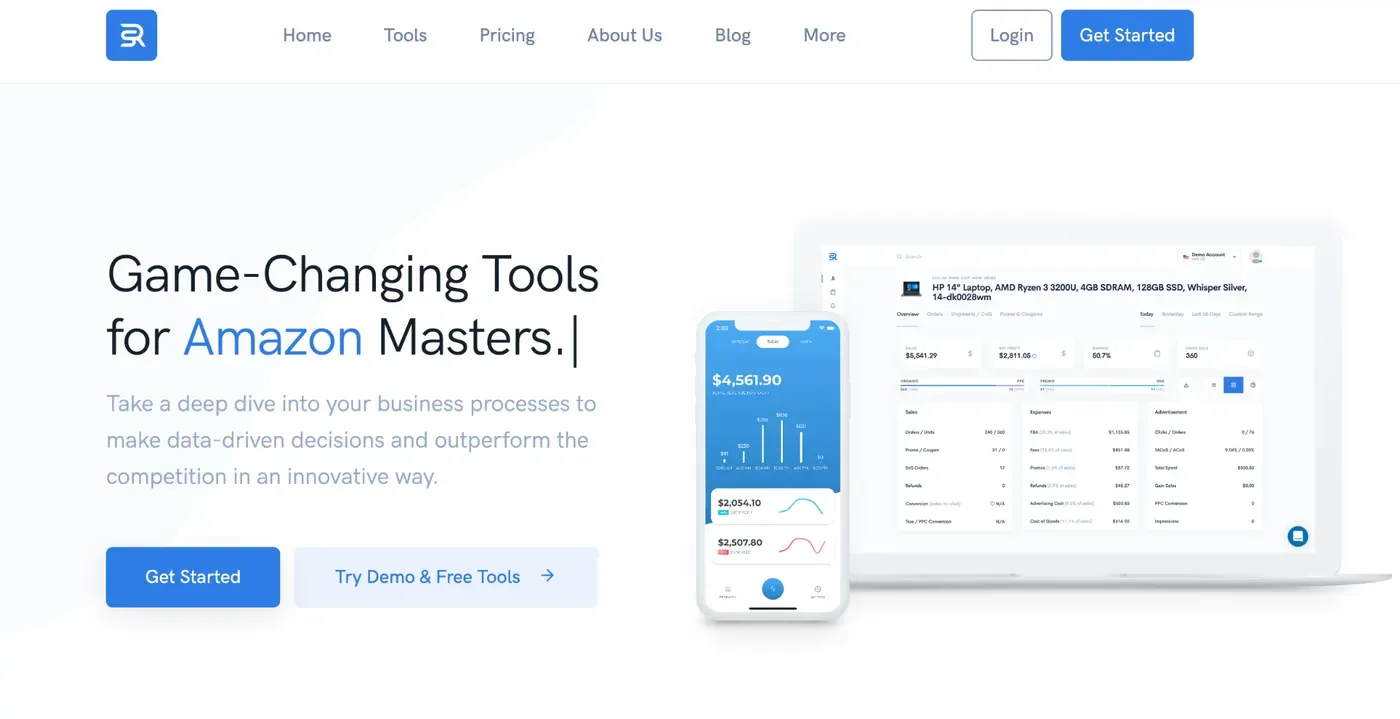
The Sales & Profit dashboard uses simple tiles for daily sales, net profit, ROI, and PPC spend, filterable by date range. Separate modules handle ABC Analysis, Profit & Loss, Inventory, Payouts reconciliation, and a reporting-style PPC Dashboard.
Its biggest value comes from the 39+ Smart Alerts, catching hijackers, Buy Box loss, negative reviews, listing changes, and stranded stock before they cost money, plus a zero-commission reimbursement finder for lost or damaged inventory. ABC Analysis highlights which SKUs really drive profit.
Everything sits under one login instead of scattered reports, updates arrive continuously rather than after a delay, and the Payouts tool clarifies deposits Amazon itself doesn’t explain well. Competitor tracking, though, isn’t a real strength here.
Pros
Cons
Free plan: No (7-day free trial, no card required) Paid plans start at: $19.99/month
Stackline sits apart from typical seller tools: it is a retail intelligence platform for large brands, tracking over a billion products across Amazon, Walmart, and other retailers. Data comes from the SP-API, Advertising API, and broad market scraping of prices, reviews, and listings, refreshed close to real time so market share shifts show up quickly, not days later.
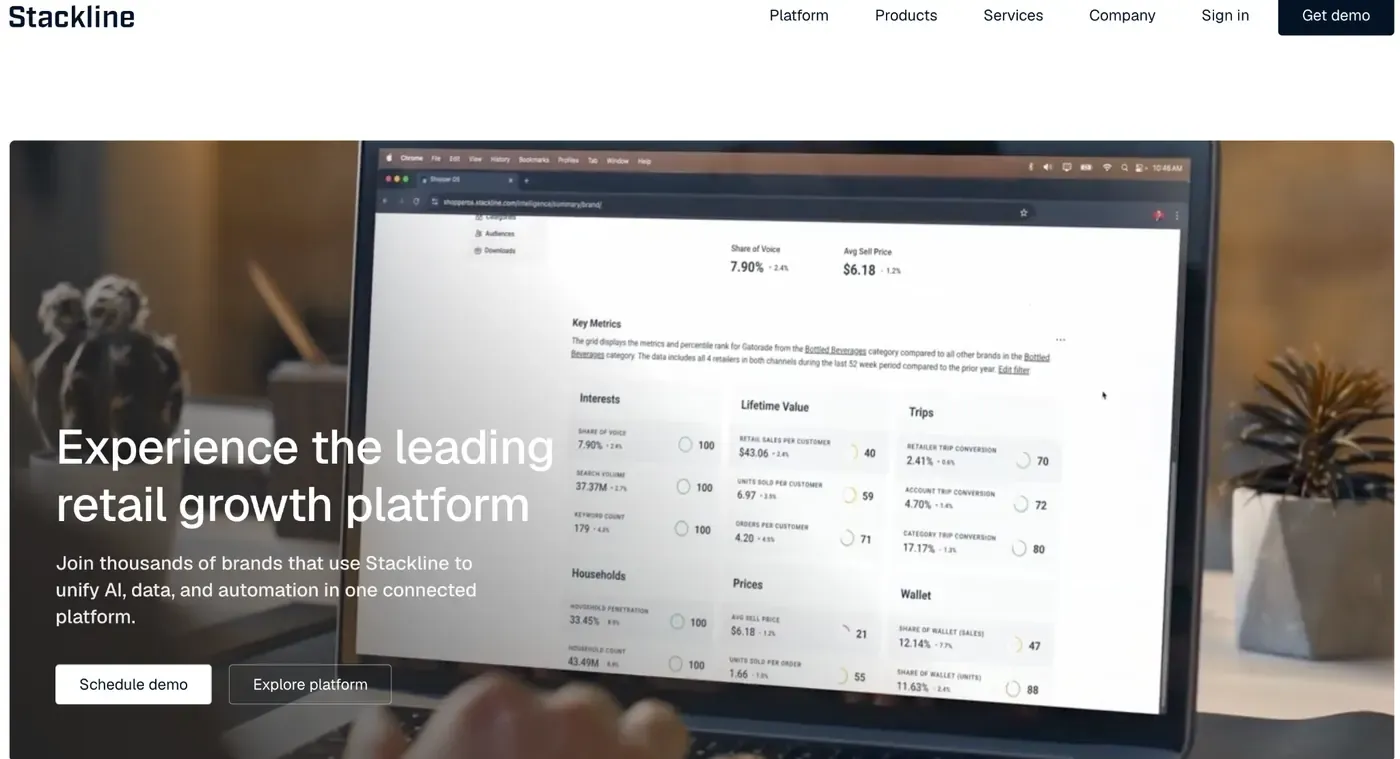
Its modules split by purpose: Beacon for performance measurement, Atlas for market intelligence, Drive for ad campaign management, and Omni for cross-retailer attribution. Dashboards are customizable, with automated reports and filters by category, retailer, or competitor.
What makes Stackline stand out is competitive depth: real-time market share tracking, competitor ad spend benchmarking, and demand forecasting that blends trends with consumer behavior to reduce stockouts and overstock. This goes well beyond a single seller’s own numbers.
Stackline reveals the whole category, across retailers, with long-term trend data and automated scheduled reporting for teams.
Pros
Cons
Free plan: No Paid plans start at: $5,000/month (custom enterprise pricing)
Fluvi pitches itself as a single dashboard that replaces the spreadsheet-plus-four-tools setup many sellers rely on. It connects through the SP-API and Advertising API across 23 marketplaces, pulls in external warehouse and shipment data for sellers who mix FBA with 3PL, and lets users enter COGS manually. Data updates in real time, so profit and ad numbers reflect the current day, not yesterday.
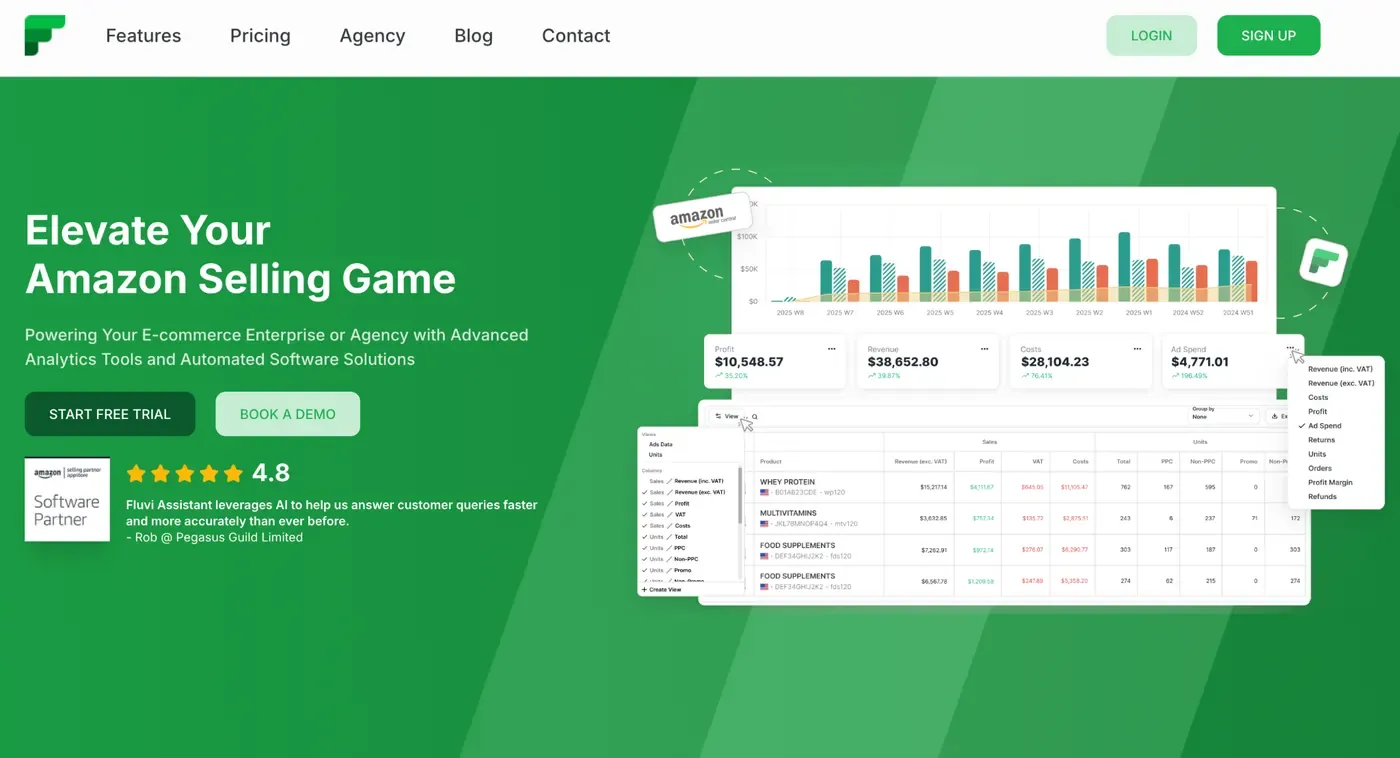
The dashboard groups analytics, logistics, and tools into one view: sales, costs, profit, and ad spend on one side, inventory forecasting and reorder recommendations on the other.
Key insights include true per-order profit after fees and ads, inventory depletion forecasts that suggest when and how much to reorder, and shipment tracking across multiple warehouses. An AI assistant even drafts customer service replies inside Seller Central, saving extra time.
Fluvi merges sales, cost, and logistics data in one place with continuous updates. It is also built with agencies in mind, managing several client accounts together, though it does not track competitors.
Pros
Cons
Free plan: No (14-day free trial, all features included) Paid plans start at: around $19/month, scaling with account revenue
Profitero+ is less a profit calculator and more a digital shelf watchdog, built for big consumer brands tracking listings across 1,400+ retailers in 70 countries, not just Amazon. It draws data from the SP-API, the Advertising API, and continuous scraping of prices, availability, and content across every retailer, refreshed close to real time with AI analysis layered on top.
Dashboards are actionable rather than decorative: they flag out-of-stock items, Buy Box losses, and content compliance gaps directly, with customizable reports, access controls, and alerts instead of generic charts.
Its real strength is competitive visibility: share of search, competitor pricing, and content quality across the category, plus a link between media spend and sales results. That helps brands catch a broken listing or a rival’s price cut fast, though it is not built for COGS-based profit tracking.
Profitero+ spans many retailers and countries at once, keeps deep trend history, and reacts in near real time instead of showing yesterday’s numbers, but stays weaker on per-order profit detail than dedicated seller tools.
Pros
Cons
Free plan: No Paid plans start at: custom enterprise pricing (not publicly listed)
ManageByStats, part of the Carbon6 suite, is less a single dashboard and more a bundle of 25 tools covering profit tracking, PPC management, inventory, reviews, and customer messaging. It connects through the SP-API and Advertising API and lets sellers enter COGS for accurate margins, but data only refreshes once a day, noticeably slower than tools offering hourly or real-time updates.
The main profit dashboard shows profit, conversion rate, and daily traffic together, and it can be customized with different themes, colors, font sizes, and a dark mode. A separate PPC dashboard uses saved filters to track campaigns, ad groups, and keywords, and can adjust bids automatically.
Beyond numbers, the platform predicts reorder quantities to avoid stockouts, automates review request emails, and builds checklists that flag KPI, review, or listing changes needing attention.
Where sales, ads, and inventory are normally spread across separate reports, ManageByStats brings them into one login with far more customization, though its slower daily sync and lack of competitor tracking are real trade-offs.
Pros
Cons
Free plan: No Paid plans start at: $59.97/month
Threecolts grew by buying up well-known seller tools, like FeedbackWhiz, InventoryLab, Tactical Arbitrage, and ScoutIQ, then bundling them under one login through its Seller 365 hub. Data flows in through the SP-API and Advertising API, with InventoryLab handling accounting-grade COGS and fee tracking, so financial numbers are built on real bookkeeping, not estimates.
The FeedbackWhiz Profits dashboard gives a visual summary of revenue, ad spend, and net profit, while FeedbackWhiz Alerts watches listings 24/7 and pushes instant notifications for 13+ events like Buy Box loss, hijackers, suppressed listings, and price changes.
For sellers who also source products, Tactical Arbitrage and ScoutIQ scan retail and online stores for profitable deals, tying sourcing directly to the same profit numbers. This mix suits arbitrage and reseller businesses especially well, not just private label brands.
Threecolts puts sourcing, accounting, and monitoring under one subscription and billing cycle, though it isn’t built for tracking competitors.
Pros
Cons
Free plan: No (14-day free trial) Paid plans start at: $69/month
SellerLegend stands out for how often it refreshes: orders sync via the SP-API every 30 minutes, finances every 1-3 hours, inventory every 8 hours, currency rates every 6 hours, and listings, feedback, and settlements on their own daily or weekly cycle. Ad data comes through the Advertising API, and sellers add COGS for true profit figures across 11 Amazon marketplaces in one consolidated view.
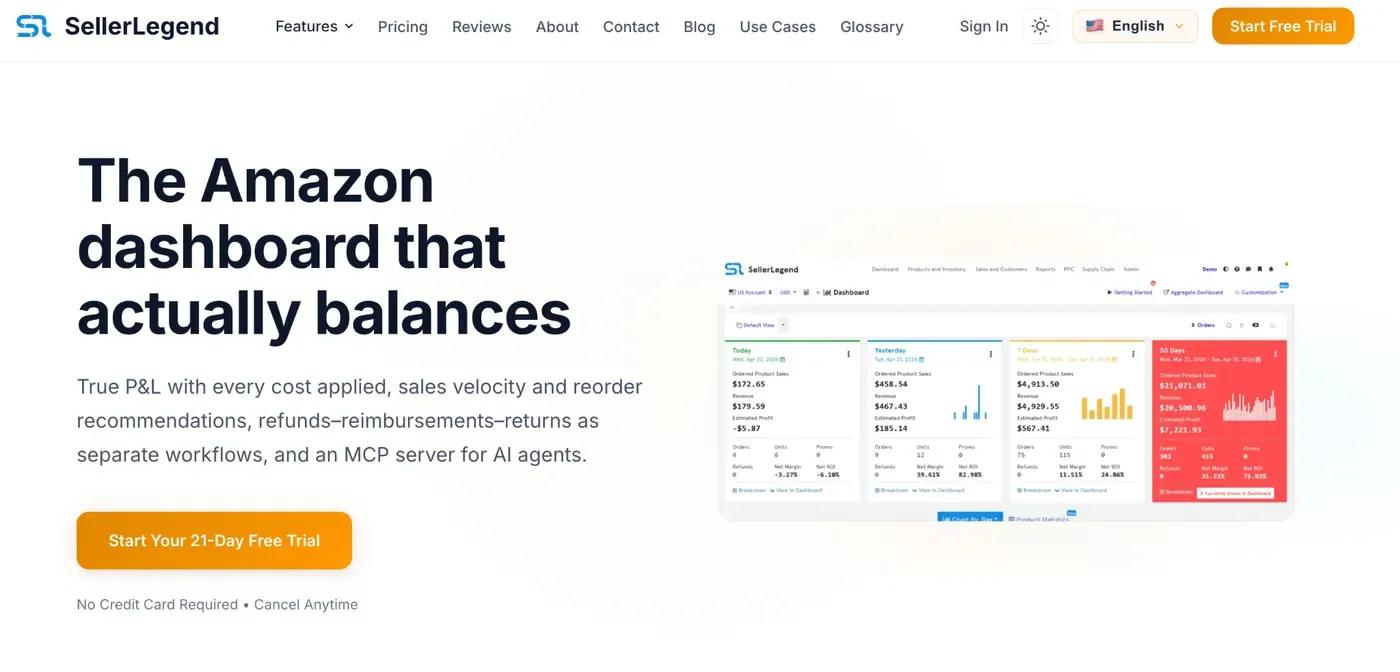
Dashboards use drag-and-drop widgets, so sellers build their own layout around the KPIs that matter most, whether that’s sales trends, profitability, or customer segments. The PPC Dashboard breaks down ACoS, TACoS, and keyword performance by marketplace, refreshed on that same 30-minute cycle.
Inventory tools forecast demand, calculate days of supply, and track FBA shipments, triggering reorder or overstock alerts. Notifications can arrive through the dashboard, a dedicated notification channel, email, or SMS, so nothing gets missed.
SellerLegend merges everything into one near-live view with flexible layouts, though it doesn’t track competitor pricing or listings.
Pros
Cons
Free plan: No (free trial, no credit card required) Paid plans start at: $49.99/month
HelloProfit blends automatic and manual data: the SP-API and Advertising API pull orders, fees, coupon costs, and lightning deal charges automatically, while sellers add product cost and FBA or FBM shipping by hand. That combination feeds a near real-time dashboard covering sales, profit, ads, and inventory in one place, with order search and custom, filterable reports.
Its PPC manager goes further than most, using a proprietary formula to judge campaign profitability instead of relying only on ACoS, so sellers can drill into which keywords and campaigns actually make money. Inventory tools set reorder points to avoid running out of stock.
A standout is multi-account handling: sellers can add several Seller Central accounts and view aggregated data with export options, useful for agencies or brands running multiple stores. Instant notifications flag changes as they happen.
HelloProfit shows true net profit per SKU and account together, though it does not track competitor listings or pricing.
Pros
Cons
Free plan: No (21-day free trial) Paid plans start at: $97/month (additional merchant accounts $29/month each)
KwickMetrics covers both Amazon and Walmart, syncing orders, fees, and ad data near real time through the SP-API and Advertising API, with sellers adding COGS for a true Profit Dashboard. The interface is split into four practical stages: Listing, Promotion, Winning Sales, and Make Profit, so sellers move from optimizing a listing to checking its actual margin in one flow.
Unlike many rivals, its Listing Analyser genuinely compares your listing against competitors to spot content and keyword gaps, while a Keyword Tracker follows ranking changes over time. Ads tools include rule-based automation by ACoS, CPC, or ROAS, plus dayparting to run ads only during strong hours.
Inventory alerts warn before stockouts, and a Reimbursement Service hunts down lost or damaged stock, though it takes a commission starting at 12%. A newer KwickMetrics MCP feature even lets sellers query their own data through Claude or ChatGPT in plain language.
Every plan, even the cheapest, includes unlimited seller accounts, which is rare and useful for agencies juggling many stores instead of Seller Central’s one-account view.
Pros
Cons
Free plan: No (14-day free trial, no credit card) Paid plans start at: $19/month (or $15/month billed annually)
Tool4seller is built to let sellers watch and compare one or several Amazon stores from a single dashboard. It connects through the SP-API and Advertising API, and with manual COGS entry, its Profit Dashboard tracks net profit, gross margin, refunds, and revenue in real time rather than after a delay.
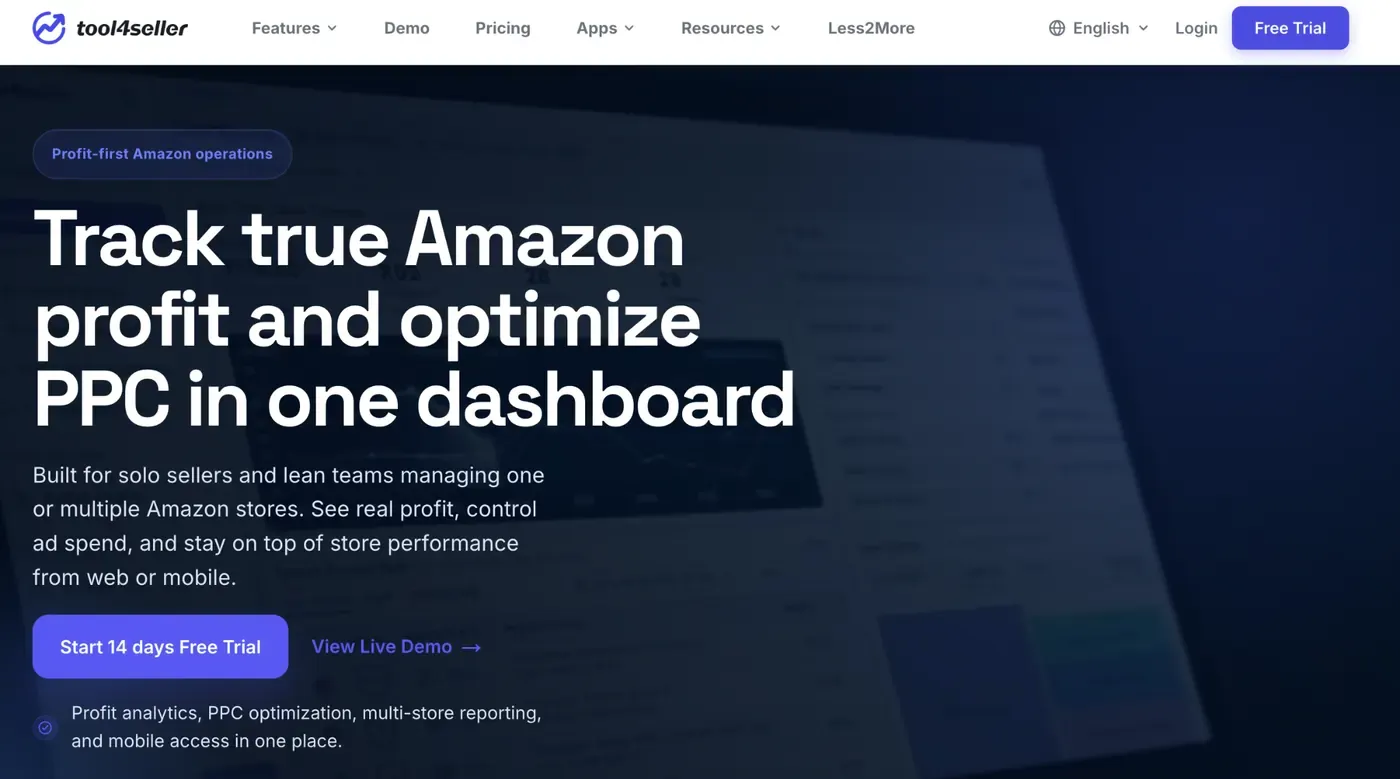
Product Trends charts break performance down by gross profit, units sold, page views, Buy Box percentage, and conversion rate, filterable by store or date. A separate PPC view flags underperforming campaigns so wasted ad spend gets noticed quickly, backed by AI-assisted suggestions to speed up optimization.
The Inventory Manager sends restock alerts before stock runs low, plus hijacker and listing change monitoring with instant notifications, protecting listings that Seller Central would otherwise leave you to check manually. A mobile app keeps these numbers available outside the office too.
Tool4seller merges multiple stores into one live view with real financial detail, though it does not offer competitor benchmarking.
Pros
Cons
Free plan: Yes (forever free, limited features and stores) Paid plans start at: $19.99/month
Profit Cyclops leans on deep SP-API and Advertising API calls to catch details many tools miss, like storage costs, disposal fees, and Amazon’s own account adjustments, alongside manual COGS. Data updates roughly every hour, not instantly, but often enough to catch fee changes before they pile up.
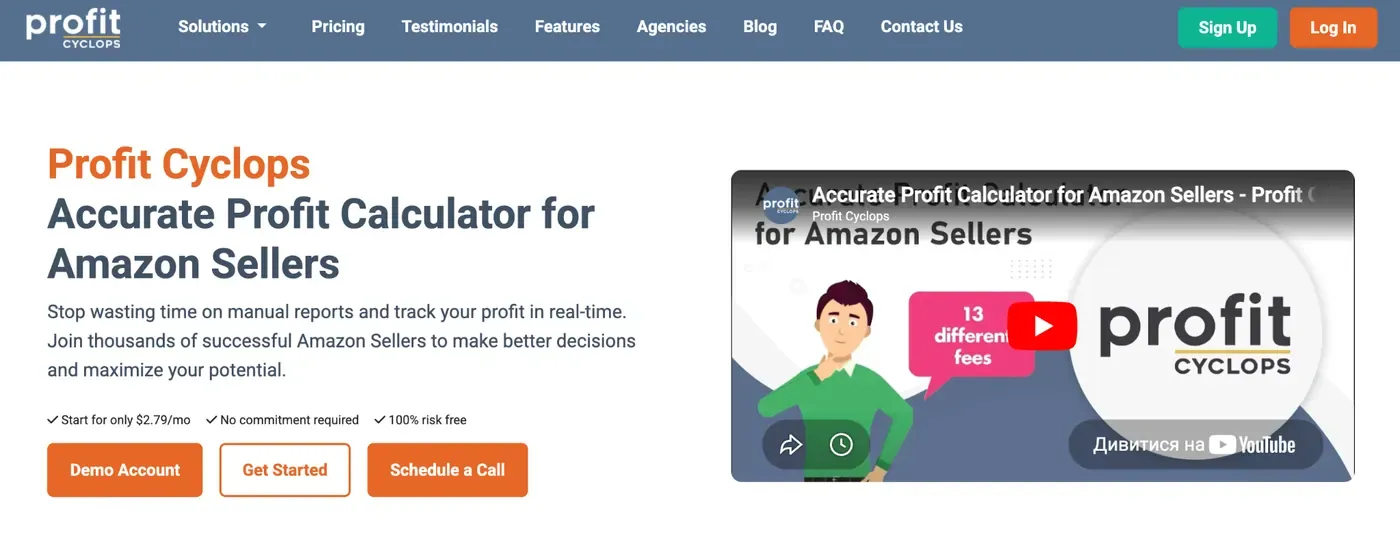
The dashboard is customizable and graphical, built around real net profit after all fees and PPC spend. A dedicated PPC view drills down to the keyword level, tracking TACoS and CPC alongside fulfillment and storage costs in plain, readable charts.
What stands out is its reimbursement scanner, which finds lost or damaged FBA inventory Amazon owes you for, often covering the subscription cost on its own. Inventory alerts adjust for accelerating or slowing sales instead of using a flat reorder point. Higher tiers add Walmart and ShipStation data plus up to 24 months of history, far more than Seller Central keeps.
Profit Cyclops brings them together with much deeper historical retention, though it lacks competitor tracking and updates hourly rather than live.
Pros
Cons
Free plan: No Paid plans start at: $19/month
The best software for Amazon sellers depends on your business size and goals. If you are just starting out, a simple and affordable profit tracking tool is usually enough. If you manage multiple accounts, you will need something with stronger reporting and multi-account support.
If you want deep customer data, lifetime value tracking, and a full profit picture in one place, My Real Profit is the strongest choice especially for brands focused on repeat purchases and long-term growth. Think about what data matters most to your business, then pick the tool that covers it best.
Start by thinking about your main goal, such as tracking profit, analyzing sales, or managing inventory. Then check if the tool supports your Amazon marketplace, fits your budget, and offers the reports you need.
A free plan or trial can be a good way to test a tool before paying. However, free versions often have limits on features, reports, or the number of products you can track.
The most complete tools go beyond basic sales data and include advertising costs, customer lifetime value, inventory costs, and market share in one dashboard. This level of detail helps brands make decisions based on real margin, not just revenue.
Yes. Many Amazon sellers change tools as their business grows or their needs change. Before switching, make sure you can export your reports or save important data.
Amazon Seller Central includes basic reports, but some sellers need more detailed insights. An analytics tool can combine different types of data, track trends over time, and make reports easier to understand.
Not always. A higher price may include more features, but you may not need all of them. Choose a tool that matches your business size, goals, and budget instead of paying for features you will not use.